MotiGraph — MERN Stack Practical Training
MotiGraph
MERN Stack

We will not teach you JavaScript from scratch — we will teach you to build with it as a full-stack developer.

You know JavaScript. Now work with it as a full-stack developer.

A three-month practical programme for students and junior developers who already have the fundamentals of JavaScript and web development, and want to turn that into real experience on real projects. You will work on projects shaped like client work: from analysing requirements and splitting tasks, through writing the code, git, code review, testing, debugging and deployment.

Duration Three months
Schedule Two days a week
Investment 7,000 EGP
Apply for This Track What you leave with
HTML5
CSS3
JavaScript
Bootstrap
React.js
Node.js
Express.js
MongoDB
Git & GitHub
Postman
Why this programme

What the programme is for

The goal is not to memorise React, Node, Express and MongoDB — it is to be able to build and run a real full-stack project.

You move from JavaScript developer to junior MERN stack developer, with practical command of the frontend, the backend, the database, APIs, authentication, git, team workflow, debugging, testing and deployment.

How it runs

A simulation of real work

Not lecture → explanation → homework. Instead: client requirement → analysis → planning → tasks → development → git → pull request → code review → testing → merge → deployment.

Client Requirement

The team receives a requirement of the kind a real client sends.

Requirement Analysis

Working out who the user is, what the features are, and what matters first.

Project Planning

Breaking the project into modules and tasks.

Task Assignment

Each trainee takes specific tasks.

Development

Building the feature in React, Node, Express and MongoDB.

Git & Pull Request

Branches, commits, push, and opening the change for review.

Code Review

Reading the code and catching problems before they merge.

Testing & Bug Fixing

Testing the feature and fixing what it turns up.

Merge & Deployment

Merging the work and shipping the project.

What you build

Two complete MERN projects

The project does not stay on localhost:3000 — you deploy it and it goes in your portfolio.

01

MERN E-Commerce

A complete store with a customer side and an admin dashboard, cleanly separated across frontend, backend and database.

Customer Side
Homepage Products Categories Product Details Search Filters Sorting Cart Wishlist Login Registration Profile Checkout Orders Order History
Admin Dashboard
Dashboard Products Categories Users Orders Inventory Coupons Discounts Reports Roles & Permissions
Backend — Node & Express
REST APIs Authentication Authorization Products API Users API Orders API Cart API Categories API Validation Error Handling
Database — MongoDB
Users Products Categories Orders Cart Reviews Coupons
02

CMS Platform

A content management system in React, Node, Express and MongoDB — a different shape of project, with more weight on architecture.

Admin Dashboard
Dashboard Users Roles Permissions Posts Categories Tags Media Comments Settings
Public Website
Homepage Blog Categories Articles Search Contact Dynamic Pages
Techniques
Authentication Authorization CRUD API File Upload Search Pagination Validation
Beyond the code

What you will actually be able to do

React Development

Components, props, state, router, forms, API integration, Axios, protected routes, context, reusable components, validation, error handling and loading states — the aim is not to write a component, it is to build a frontend that stays organised as it grows.

Node.js & Express

Routing, controllers, middleware, REST APIs, error handling, validation, authentication, authorization, file upload, environment variables, API security and logging.

MongoDB

Database design, collections, documents, CRUD, queries, filtering, sorting, pagination, indexing, relationships, validation, aggregation basics and MongoDB Atlas — designing a database for a real project, not just insert and find.

Authentication & Security

Registration, login, password hashing, JWT, protected routes, user roles and admin permissions, plus the security basics: XSS, NoSQL injection, input validation, CORS and rate limiting.

Testing & Debugging

A bug is not simply "the code does not work" — DevTools, console, network, Postman, backend logs, database debugging and reproducing a bug before fixing it.

Teamwork & Soft Skills

Splitting tasks, git workflow, pull requests, code review and resolving conflicts, plus communication, time management, task estimation and presenting your work.

Before you apply

Is this for you?

Who it is for

Students with JavaScript fundamentals
Junior JavaScript developers
Web development students
Anyone who has studied JavaScript and wants to use it on real projects

Who it is not for

This is not a beginner programme — JavaScript will not be taught from scratch.

Anyone without the basics of HTML, CSS and JavaScript
Anyone who has not used Bootstrap
Anyone unfamiliar with ES6+, the DOM, JSON and async/await

Requirements

HTML CSS JavaScript Bootstrap Git — basics preferred Basic experience with APIs ES6+ DOM JSON HTTP Async / Await Promises Fetch / Axios

Required Skills

React.js Node.js Express.js MongoDB REST APIs JWT Git & GitHub Postman Web Security Problem Solving Teamwork

Program Structure

Moving from JavaScript developer to junior MERN stack developer
Frontend development with React
Backend development with Node.js and Express
Designing a MongoDB database for a real project
Building REST APIs and consuming them from React
Authentication, authorization and JWT
Git and GitHub workflow inside a team
Testing, debugging and deployment
Week by week

The 12-week plan

Three months. Two real MERN projects. One practical experience — every week with a clear aim and something you can point at when it ends.

Month one — React and the frontend
Week 01
React Architecture

How a React application is put together from the inside.

You learn how React thinks: the interface as components, data flowing down, and the screen changing because the state changed — not because you reached into the DOM.

Components
Component Structure JSX Reusable Components Composition
Props & State
Props State State Updates Lifting State Up
Rendering
Lists Keys Conditional Rendering Events
Project Setup
npm Folder Structure Component Organisation

An interface built from components that talk to each other, not one large file.

Week 02
Routing & Forms

From one page to a whole application.

Adding pages and routes, and handling input properly: validation before submitting, error messages a person can understand, and a layout that works on a phone as well as a desktop.

React Router
Routes Links Route Parameters Nested Routes Navigation
Forms
Controlled Inputs Form Submission Form Validation Error Messages
Reusable UI
Shared Components Component Props API Layout Components
Responsive UI
Bootstrap Mobile Layout Breakpoints

A multi-page application whose forms check their input before sending it.

Week 03
API Integration & State

What changes when the interface starts talking to a server.

Connecting React to a real API: fetching data, handling the wait, and behaving correctly when a request fails — the cases that separate a demo from a real application.

Data Fetching
Axios Fetch Async / Await Promises
UI States
Loading States Empty States Error Handling Retry
State Management
Context API Global State Shared Data State Structure
Organisation
API Layer Services Custom Hooks

An interface that reads its data from an API and behaves correctly while loading and when it fails.

Week 04
Authentication على الـFrontend

Who is signed in, and what are they allowed to see?

A complete sign-in experience on the frontend: the session, protected pages, and hiding what a user should not see based on their role.

Auth Flow
Registration Login Logout Token Storage
Protected Routes
Route Guards Redirects Auth Context Session Persistence
Role-based UI
Customer View Admin View Conditional Menus
Error Handling
Invalid Credentials Expired Session Unauthorized Access

A real sign-in, protected pages, and an interface that changes with the role of the person signed in.

Month two — Node, Express and MongoDB
Week 05
Node.js & Express

The first backend you build yourself.

How Node works, and building an Express server that is organised — routes, controllers and middleware — rather than one file holding everything.

Node.js
Node Architecture Modules npm Environment Variables
Express
Server Setup Routing Controllers Request / Response
Middleware
Built-in Middleware Custom Middleware Request Pipeline Logging
Structure
Folder Structure Separation of Concerns Config

An organised Express server answering real requests.

Week 06
REST APIs

An API someone else can actually use.

Building APIs the way they are expected to behave: clear routes, correct status codes, validated input and errors that explain themselves — tested in Postman before any interface sees them.

REST
REST Architecture HTTP Methods Status Codes JSON Resource Naming
Validation & Errors
Input Validation Error Handling Error Responses Edge Cases
Query Features
Pagination Filtering Sorting Search
Testing
Postman Collections Headers API Documentation

A documented set of APIs, tested in Postman and ready for React to consume.

Week 07
MongoDB & Mongoose

Designing a database, not just insert and find.

Designing data for a real project: what deserves its own document, what belongs inside another, and how to relate the two — a difference that only shows once the data grows.

Database Design
Collections Documents Schema Design Relationships Embedding vs Referencing
Mongoose
Models Schemas Data Validation Hooks
Queries
CRUD Filtering Sorting Pagination Aggregation Basics
Performance & Hosting
Indexing MongoDB Atlas Connection Management

A database designed for a real project and wired to the APIs.

Week 08
Authentication & Security

Security is not a step at the end.

Building a secure user system on the backend, and learning the common weaknesses well enough to close them at the start rather than after something happens.

Authentication
Password Hashing JWT Token Expiry Auth Middleware Secure API Access
Authorization
User Roles Admin Permissions Route Protection Access Control
Common Risks
XSS NoSQL Injection Input Validation CORS Rate Limiting
Secrets
Environment Variables File Upload Security Secure Defaults

A backend with secure sign-in, roles, and protection against the common weaknesses.

Month three — the projects and delivery
Week 09
E-Commerce — الأساس

From a requirement to the first working feature.

Nobody says "build a shop" — we start from requirements the way a client project does, split it into modules and tasks, and design the database before the first line of code.

Requirements
Understanding the ask The users Features Business Rules Priorities Task Breakdown
Database
Users Products Categories Orders Cart Reviews Coupons
Products & Categories
Products API Categories API Images Price Stock
Frontend
Homepage Product Listing Product Details Search Filters Sorting

The shop foundation works end to end: products, categories, search and filters from the interface to the database.

Week 10
E-Commerce — العميل والإدارة

When the shop can actually take an order.

Completing the buying journey from cart to order, and building the admin panel that manages products, orders, stock and permissions.

Customer
Cart Wishlist Checkout Orders Order History Profile
Admin Dashboard
Products Categories Orders Users Inventory Reports
Coupons & Roles
Coupons Discounts Roles & Permissions
APIs
Cart API Orders API Users API Validation Error Handling

A complete shop: a customer site, an admin panel, and the APIs behind both.

Week 11
CMS Platform

A second project of an entirely different shape.

A CMS is not a shop — the business logic differs, and the weight here falls on architecture, code quality and permissions, so you learn to handle more than one kind of project.

Admin
Dashboard Posts Categories Tags Media Comments Settings
Users & Roles
Users Roles Permissions Publishing Rights
Public Website
Homepage Blog Articles Categories Search Contact Dynamic Pages
Techniques
CRUD File Upload Pagination Validation API Design

A complete CMS with an admin panel, a public site and publishing permissions.

Week 12
Testing, Deployment & Delivery

The project does not stay on localhost:3000.

The last week mirrors a handover: code review, testing, deploying the frontend, the backend and the database, and preparing a portfolio and a presentation you could give in an interview.

Quality
Testing Debugging DevTools Network Debugging Backend Logs Code Review
Git Workflow
Branches Commits Pull Requests Merge Conflicts GitHub Issues
Deployment
Production Build API Deployment MongoDB Atlas Environment Variables Domain SSL
Delivery
README Documentation Screenshots Demo Presentation Technical Decisions

Two projects live on the internet, a ready portfolio, and a presentation you can give in an interview.

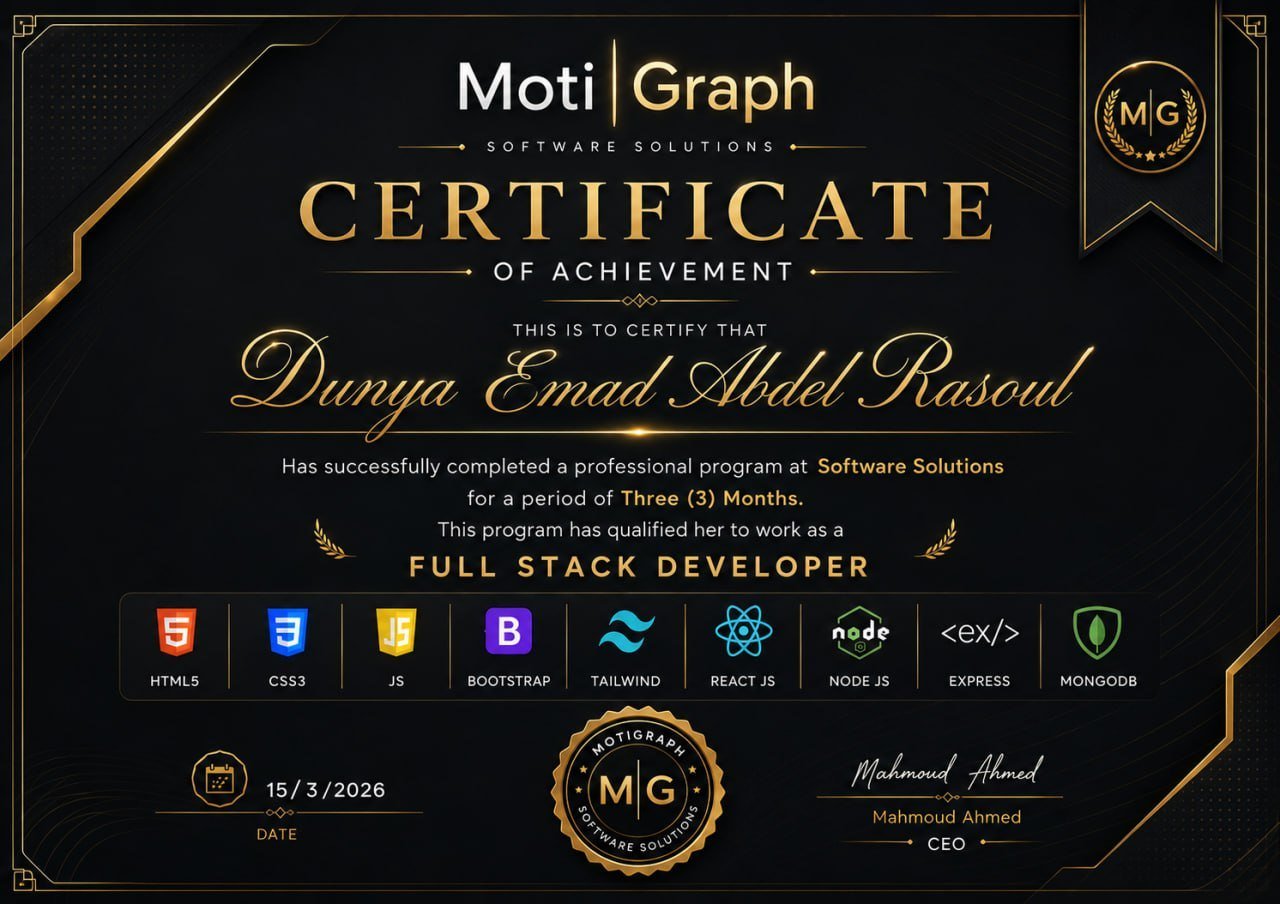
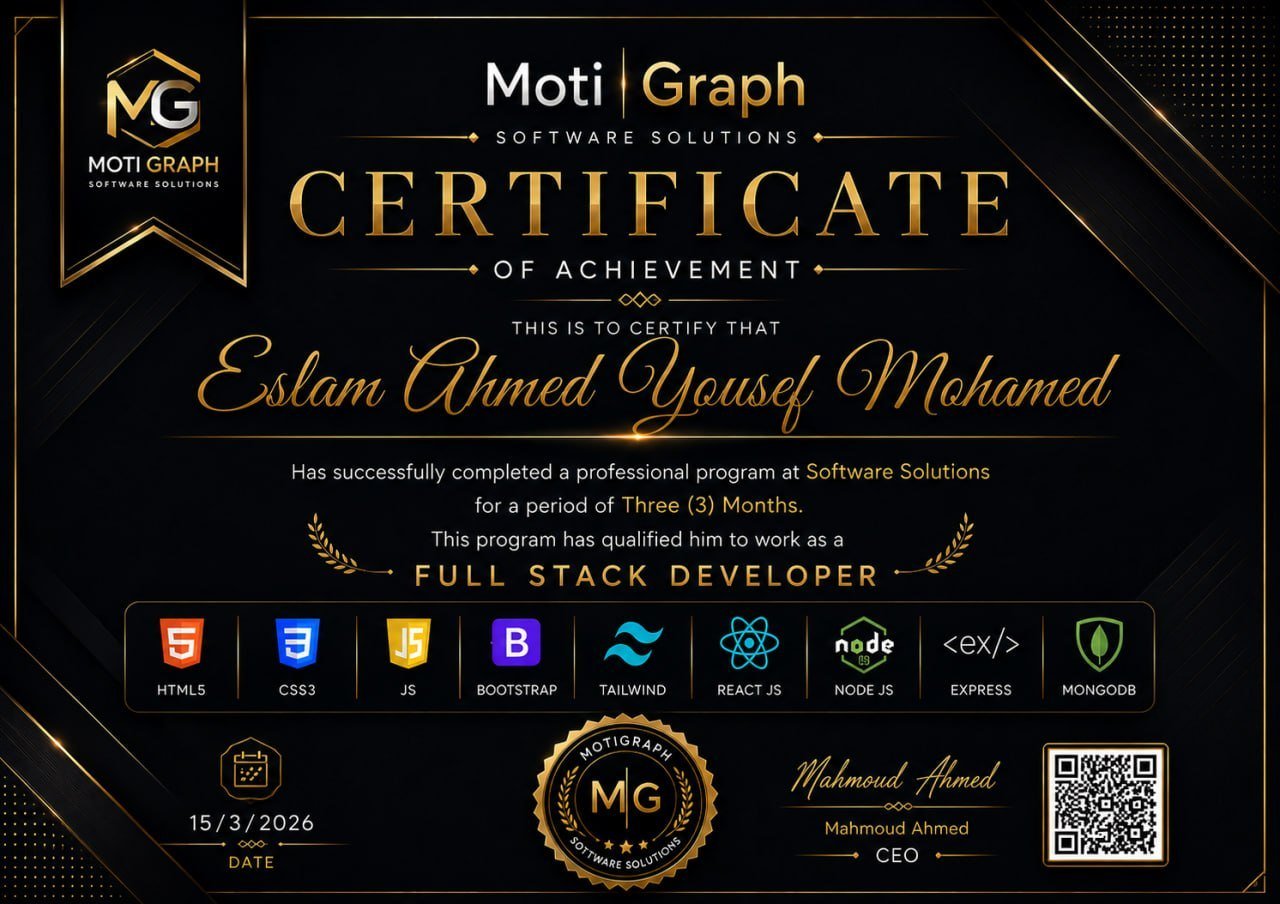
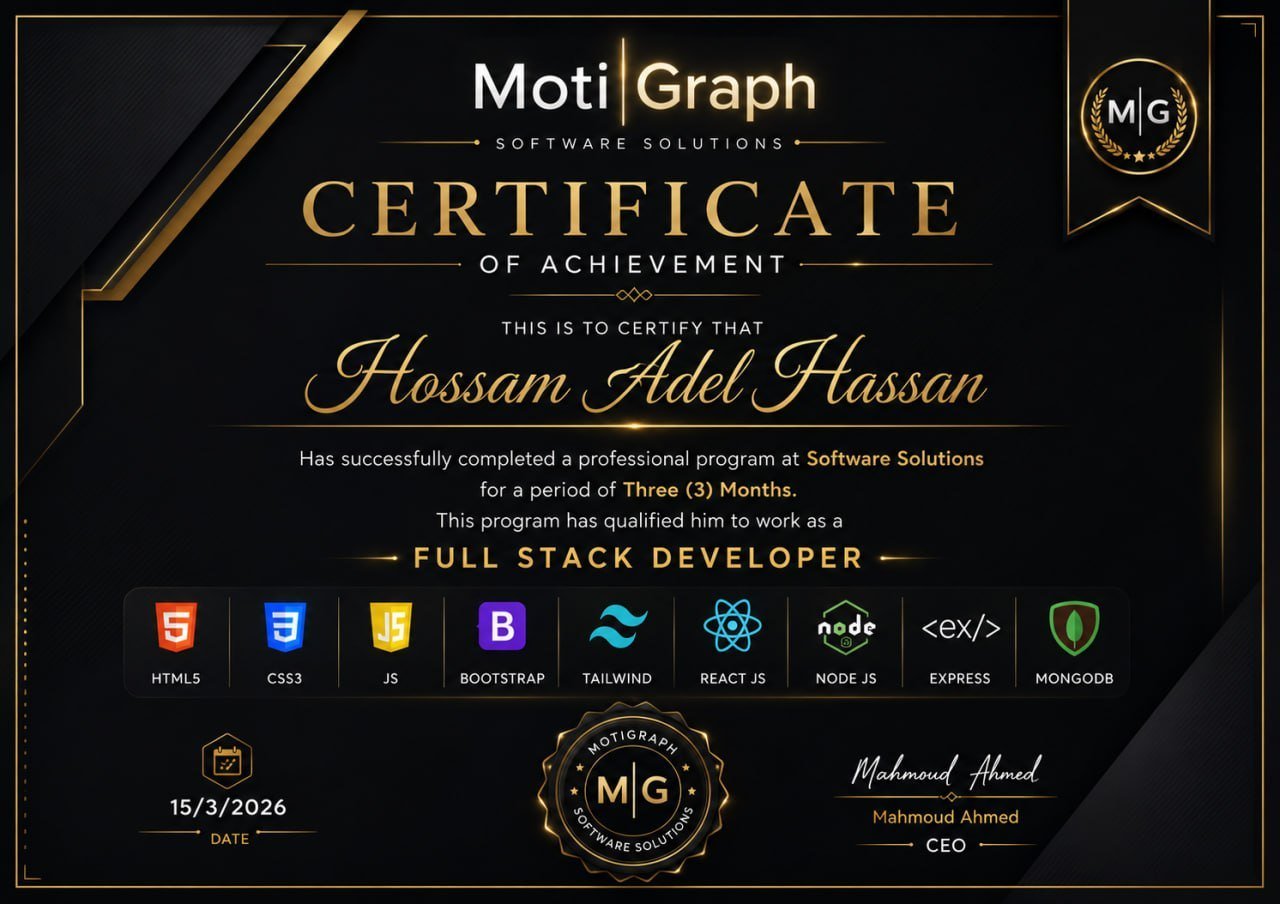
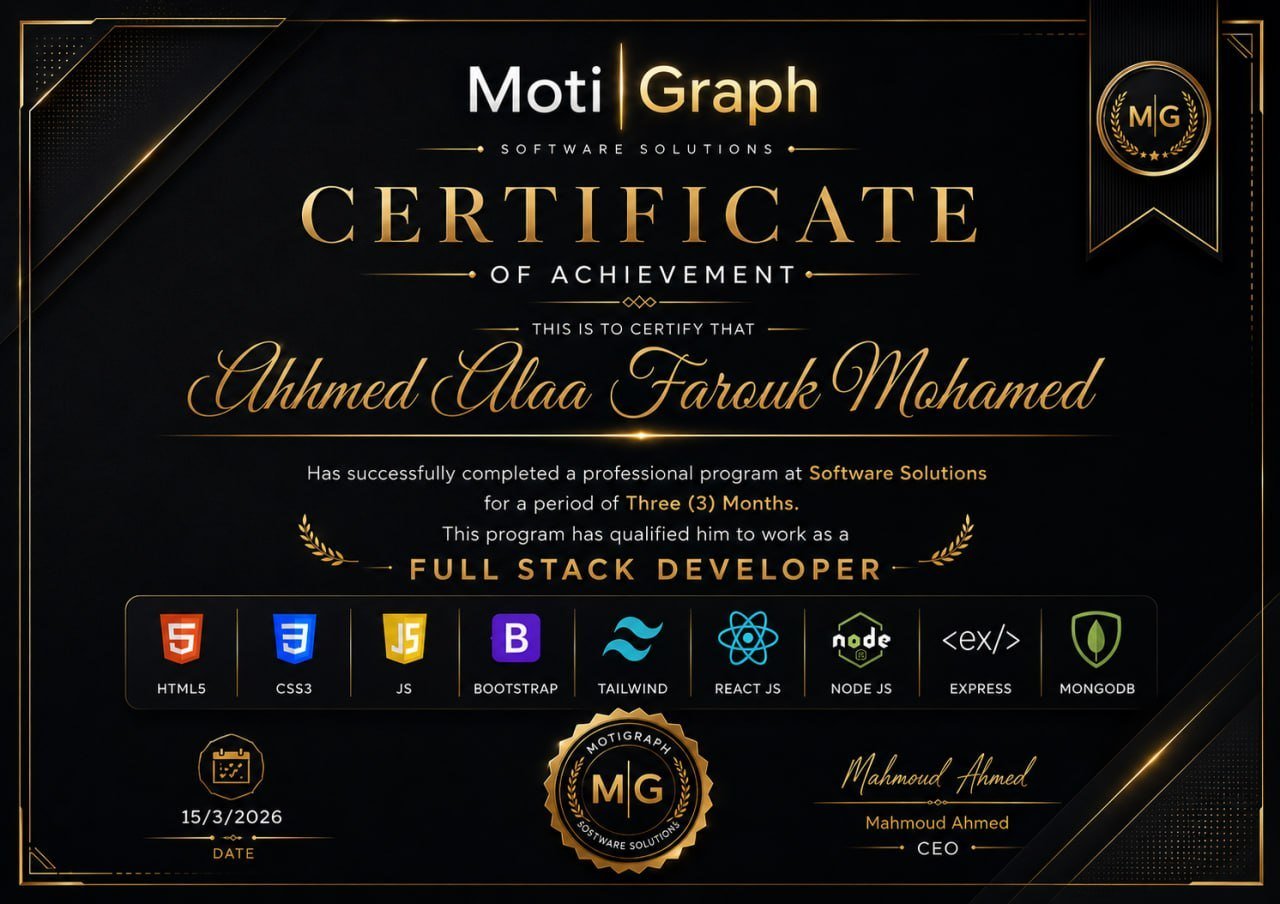
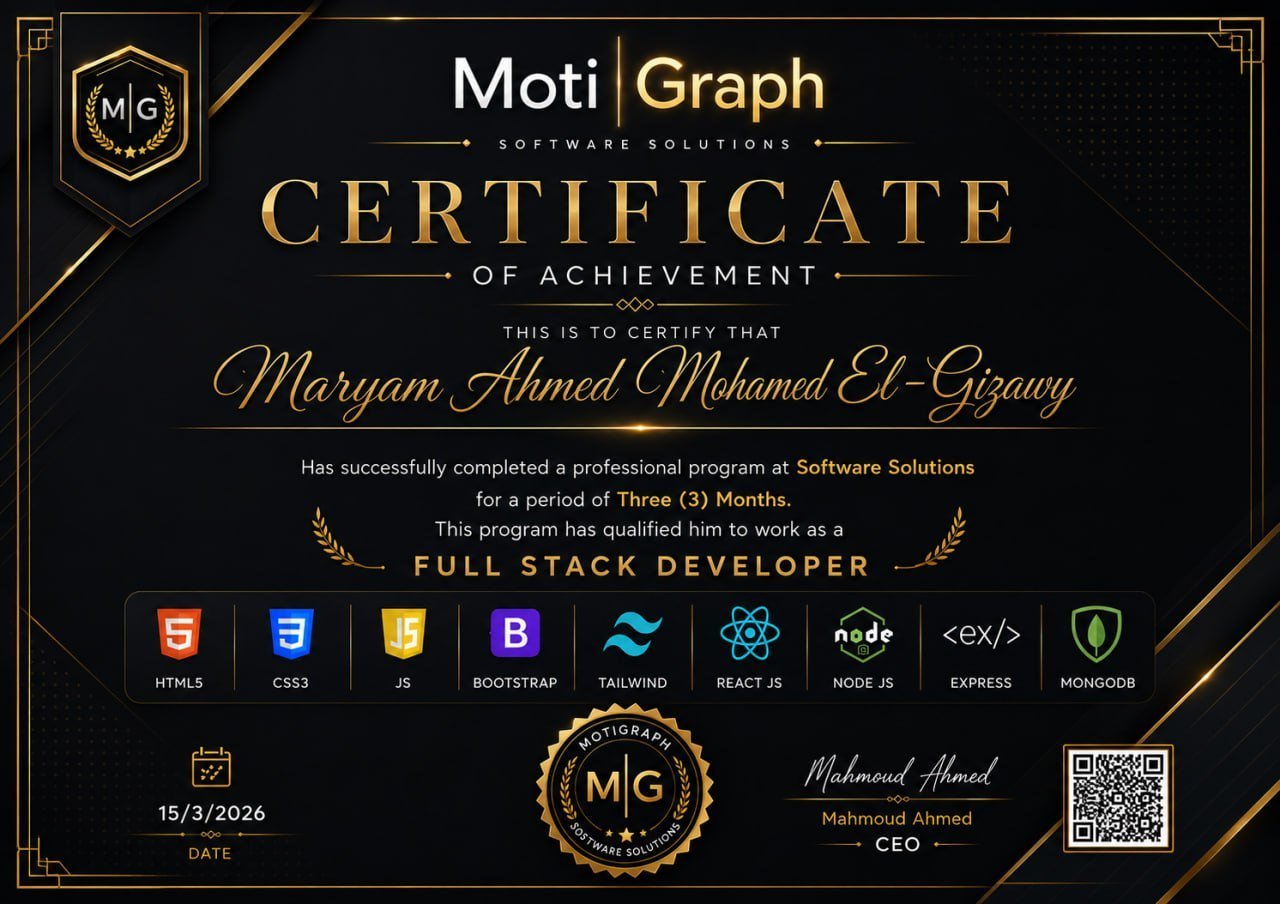
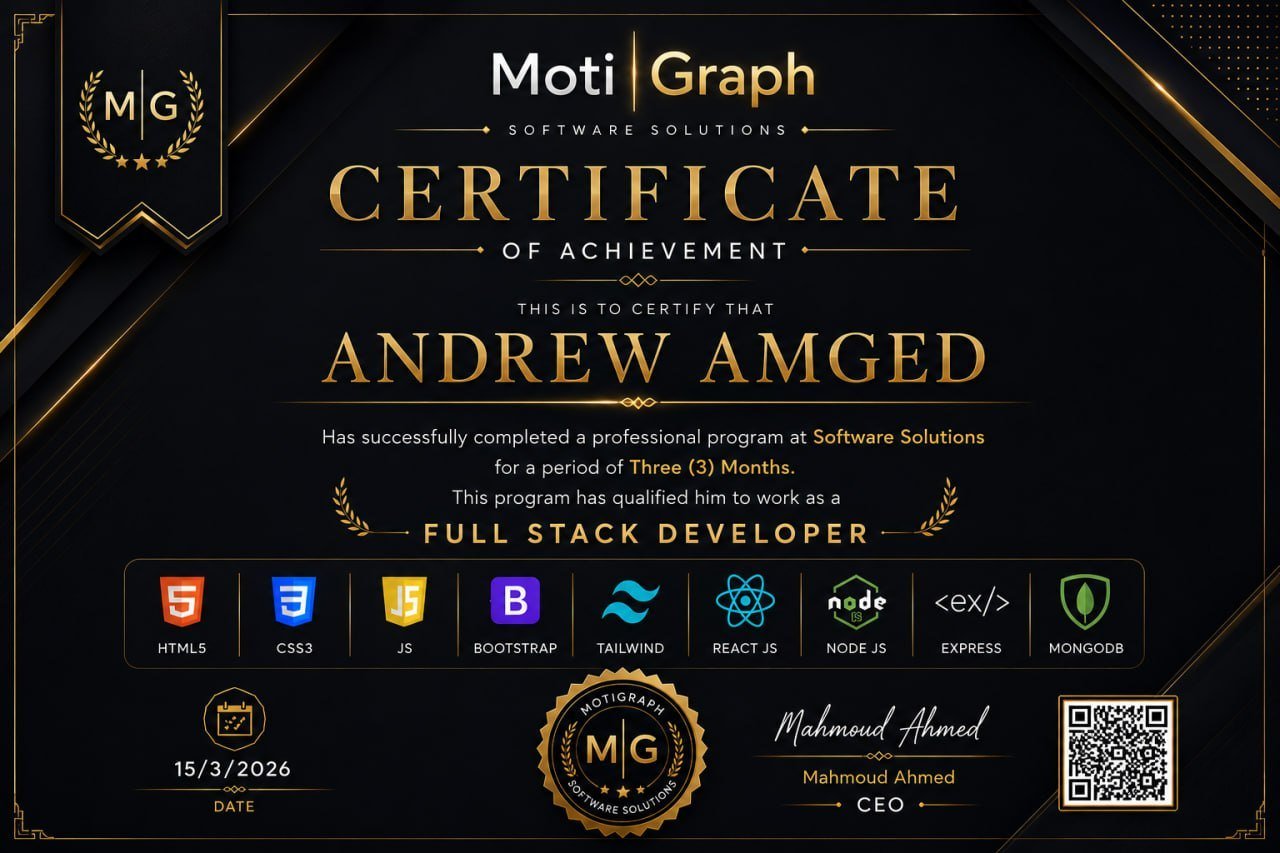
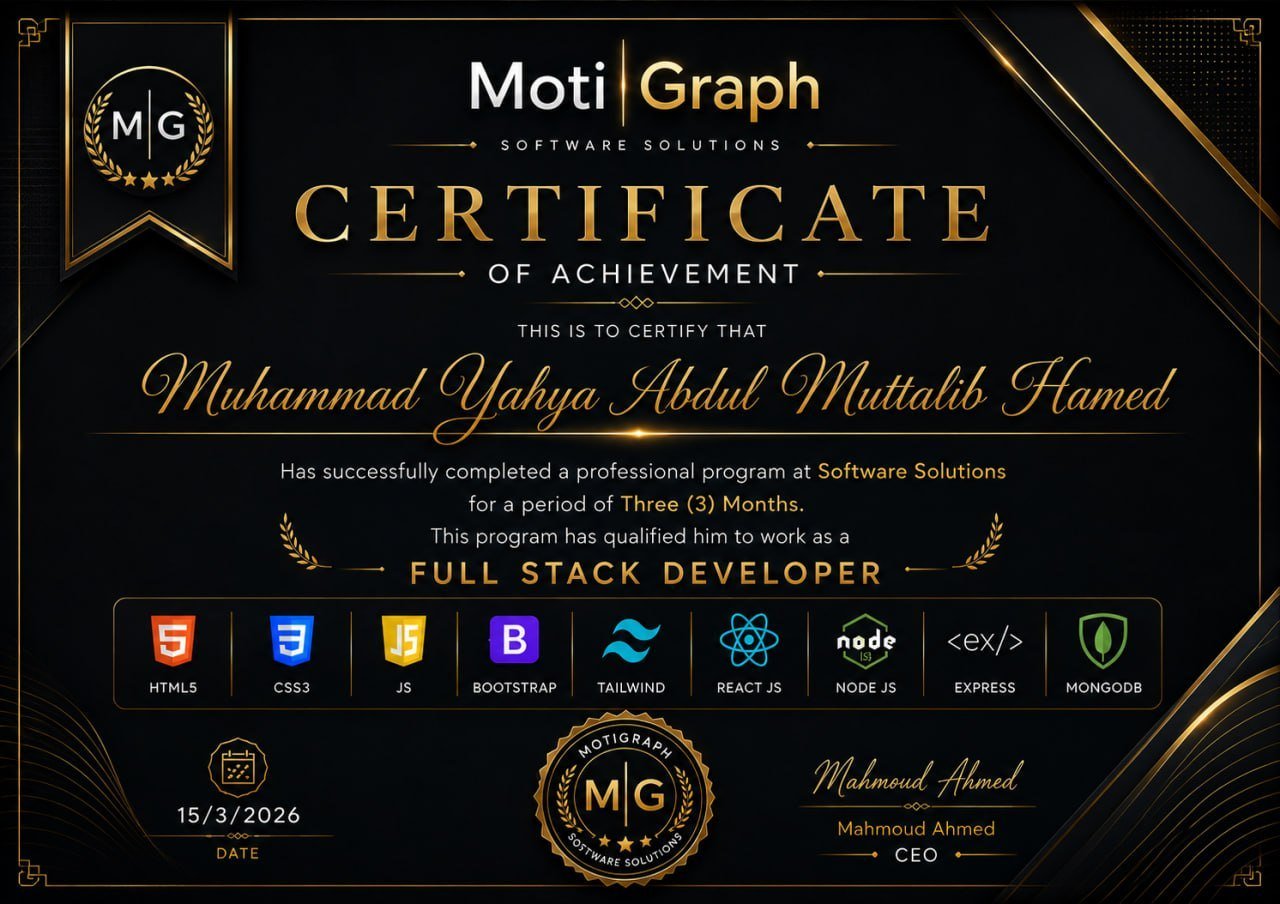
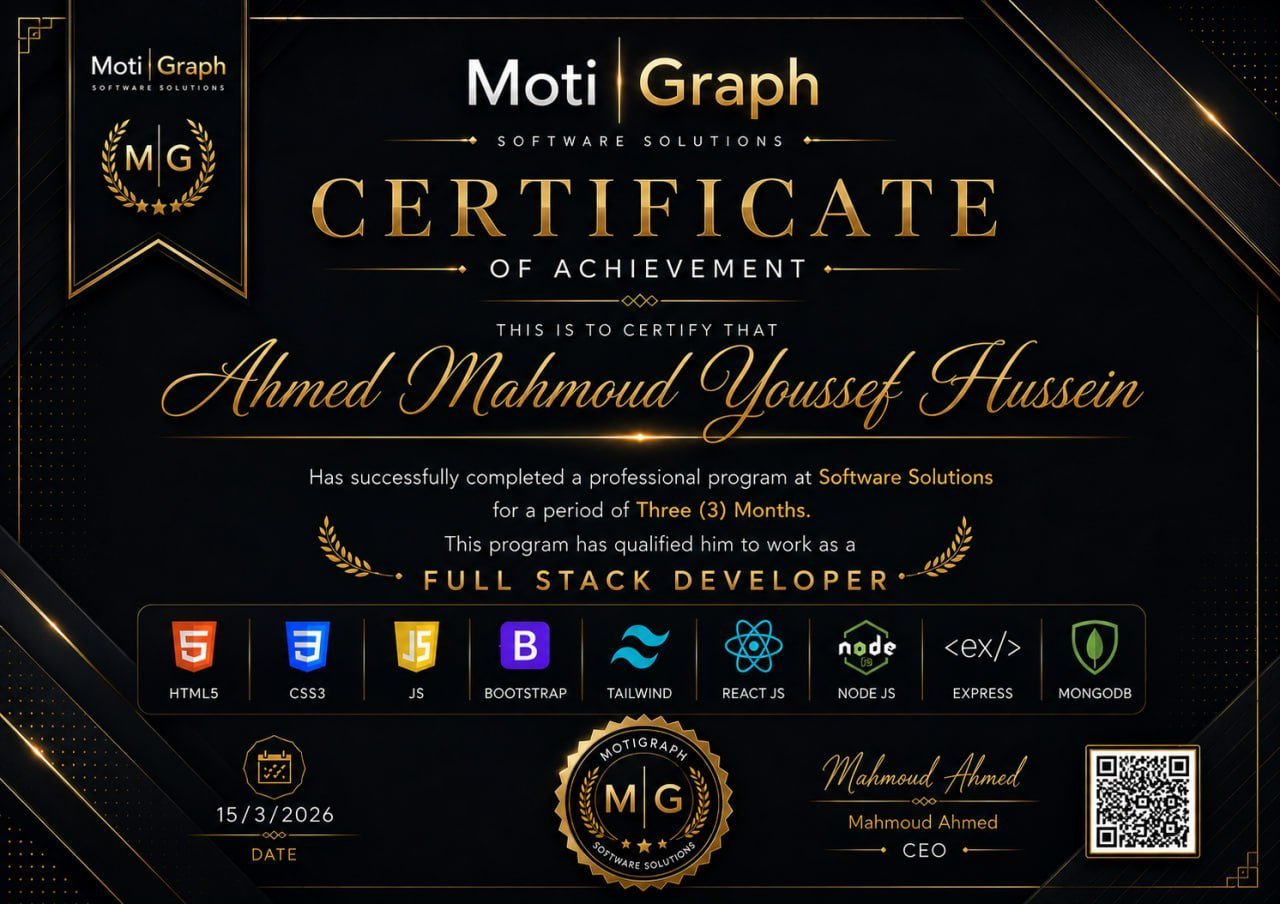
A certificate of experience, not of attendance

At the end you receive a certificate from MotiGraph Software Solutions stating how long you trained, the level you reached and the technologies you actually worked with — based on work you delivered, not on turning up.

Training period stated Technologies worked with Projects delivered Signed by the CEO
Example of the certificate issued to trainees
Outcomes

What you leave with

Not just an attendance certificate.

Projects
E-Commerce Website — MERN
CMS Platform — MERN
Real REST APIs
Professional experience
Requirement analysis
Task breakdown
Git workflow
Pull requests
Code review
Debugging
Testing
API integration
Database design
Security
Deployment
Skills
Teamwork
Client communication
Problem solving
Time management
Presentation
Portfolio
GitHub repositories
Project documentation
README
Project presentation

You will not leave with an attendance certificate.

You leave with projects, a GitHub history, a practical workflow, team experience, soft skills and a portfolio — built on MongoDB, Express.js, React.js and Node.js.

7,000 EGP

Three months · Two days a week

Full-Time

Longer hours on each training day.

Part-Time

A schedule that suits students and people in work, with the same goals and outcomes.

Apply for This Track
More Tracks

Other Internship Tracks

Full-Stack Laravel Practical Training

We will not teach you to code from scratch — we will teach you how to build with it on a real project.

View Track

Flutter Mobile App Development

We will not teach you Flutter from scratch — we will teach you how to build real mobile applications with it.

View Track