MotiGraph — Full-Stack Laravel Practical Training
MotiGraph
Full-Stack Laravel

We will not teach you to code from scratch — we will teach you how to build with it on a real project.

You know Laravel. Now learn to work with it.

An intensive three-month practical programme for junior developers and students who already have the fundamentals of web development and Laravel, and want real experience on projects that mirror how a software company actually works. Instead of watching lectures, you step into a real development workflow.

Duration Three months
Schedule Two days a week
Investment 7,000 EGP
Apply for This Track What you leave with
HTML5
CSS3
JavaScript
Bootstrap
PHP
Laravel
MySQL
Git & GitHub
Why this programme

What the programme is for

The goal is not to memorise new technologies — it is to learn to use what you already know to build real software.

You will work on complete projects and practise the way a junior full-stack Laravel developer is expected to think and deliver.

How it runs

A real workflow, not a syllabus

Not instructor → lecture → homework → exam. Instead: team lead → requirements → developer → tasks → code review → testing → delivery.

Requirement Analysis

What is being asked for? Who is the user? What are the features, the business rules, the priorities?

Project Planning

Breaking the project into modules, features, tasks and priorities.

Development

Building the tasks in Laravel.

Git Workflow

Branches, commits, push, pull, merge and pull requests.

Code Review

Reading code and finding bugs, bad practice, security issues and performance problems.

Testing

Confirming the feature does what was asked.

Deployment

Getting the project ready for production.

What you build

Two real projects

Not exercises — complete projects you build from nothing and take to production.

01

E-Commerce

A working store, with a customer side and a full admin panel.

Customer Side
Homepage Products Categories Product Details Search Filters Cart Wishlist Checkout User Account Orders Order History
Admin Side
Dashboard Products Management Categories Brands Orders Customers Inventory Coupons Discounts Users Roles Permissions Reports
Laravel Implementation
MVC Eloquent Relationships Authentication Authorization Validation Middleware File Upload Pagination Search APIs Notifications Mail Database Architecture
02

CMS

A content management system — a different shape of project, with the focus on architecture and code quality.

Admin
Dashboard Users Roles Permissions Posts Categories Tags Pages Media Comments Settings
Website
Home Blog Categories Articles Search Contact Dynamic Pages
Beyond the code

More than code

API Integration

REST APIs, JSON, API authentication, resources, validation, Postman, error handling and third-party APIs — and how to connect a backend to a frontend or a mobile app.

Secure Development

Authentication, authorization, CSRF, XSS, SQL injection, validation, file upload security, password security, access control and environment variables.

Problem Solving

We will not hand you the answer — you will learn how to find it: debug, research, test, fix, verify.

Teamwork

Splitting the work, git branches, pull requests, code reviews, team communication, task tracking and resolving conflicts.

Soft Skills

Communication, time management, estimating a task and meeting a deadline — and presenting the project at the end: the idea, the architecture, the problems and the solutions.

Deployment

Domain, hosting, database deployment, environment configuration, .env, production, SSL and basic server configuration.

Before you apply

Is this for you?

Who it is for

Junior developers
Computer science students
Web development students
Laravel developers
Freelancers moving to a more professional level

Who it is not for

This is not a beginner programme — HTML, CSS, PHP and Laravel will not be taught from scratch.

Anyone without the basics of HTML, CSS and JavaScript
Anyone who has not worked with Bootstrap, PHP and MySQL
Anyone who has not used Laravel MVC or built a simple CRUD

Requirements

HTML CSS JavaScript Bootstrap PHP MySQL Laravel Git & GitHub — basics preferred

Required Skills

Laravel MVC Eloquent & Relationships Authentication Authorization REST APIs Validation Middleware File Upload Secure Development Problem Solving Teamwork Communication

Program Structure

Reading and analysing real requirements
Breaking a project into modules, features and priorities
Git workflow: branches, commits and pull requests
Code review — finding bugs, bad practice and security issues
Testing that a feature actually does what was asked
Debugging: debug, research, test, fix, verify
Database design and API integration
Deployment, and the journey from development to production
Week by week

The 12-week plan

Three months. Two real projects. One practical experience — every week with a clear aim and something you can point at when it ends.

Month one — Laravel in real projects
Week 01
Laravel Architecture

How a Laravel project is put together from the inside.

You learn the architecture of the project rather than writing code wherever it happens to fit, and follow a request the whole way: browser, route, controller, model, database, and back.

MVC Architecture
Model View Controller Data Flow
Routes
GET POST PUT PATCH DELETE Route Parameters Named Routes Route Groups Resource Routes
Controllers
Creating controllers Organising business logic Handling requests Redirects Responses
Blade
Templates Layouts Components Sections Loops Conditions Forms Passing Data

You build a complete module inside Laravel, not a set of disconnected examples.

Week 02
Database & Eloquent

Working with a database properly.

We work on a real database and learn to design one a project can grow into, handling data through Eloquent rather than writing SQL for every operation.

Migrations
Creating tables Altering tables Columns Foreign Keys Indexes Database Structure
Models & Eloquent
Eloquent Models Mass Assignment Attributes Eloquent ORM
Relationships
One-to-One One-to-Many Many-to-Many Category → Products Order → Order Items User → Orders
Seeders & Factories
Test data Factories Seeders

You can design a database structure for a real project and relate the models to each other.

Week 03
Forms & Validation

From a plain form to a real feature.

Handling user input properly and safely, and moving validation out of the controller into form request classes so the project stays organised.

Forms
Create Forms Edit Forms Delete Actions Form Submission Error Handling
Validation
Required Fields Email Password Numbers Files Unique Values Database Values Form Requests
File Upload
Upload Images Validate Files Store Files Update Images Delete Files Storage Management
Pagination & Search
Pagination Search Query Filtered Results

A complete CRUD module: create, read, update, delete, search, pagination, validation and file upload.

Week 04
Authentication & Permissions

Not every user should see everything.

Building a user and permission system close to what real projects use, and understanding the difference between who you are and what you are allowed to do.

Authentication
Registration Login Logout Password Management Sessions
Authorization
Middleware Route Protection Access Control
Roles
Admin Manager Editor Customer
Permissions
Create Product Edit Product Delete Product View Orders Manage Users

A real authentication and authorization system, not a simple login.

Month two — Project 01: E-Commerce
Week 05
E-Commerce Foundation

First thing: requirement analysis.

Nobody says "build an e-commerce site" — we start from requirements, the way any client project starts, and then design the database.

Requirements
Understanding the client Identifying users Defining features Business Rules Project Scope Splitting into modules
Database Architecture
Users Products Categories Brands Orders Order Items Coupons Reviews Relationships
Products
Product CRUD Product Images Price Stock SKU Description Status
Categories & Brands
Create Edit Delete Product Relations Brand Management

The e-commerce foundation is ready for the customer features.

Week 06
E-Commerce Customer

Building the customer experience.

The part the customer sees: from browsing products through to a completed order — cart, address, order, payment, confirmation.

Product Catalog
Browse Products View Categories Search Filter Sort
Product Details
Images Description Price Stock Related Products Reviews
Cart & Wishlist
Add to Cart Remove Update Quantity Calculate Total Wishlist
Checkout & Account
Checkout Flow Profile Addresses Orders Order History Order Status

A complete customer side you can actually use.

Week 07
E-Commerce Admin

Building a real admin panel.

The side that runs the shop: orders and stock through to coupons, permissions and reports.

Dashboard
Orders Products Customers Sales Inventory
Inventory
Stock Product Availability Low Stock
Coupons & Discounts
Coupon Code Discount Expiration Usage Limits Product Discounts Category Discounts Promotional Offers
Users & Reports
Customers Admins Managers Roles & Permissions Orders Report Sales Report

Admin dashboard plus customer site — the core of a working shop.

Week 08
APIs & Notifications

Connecting the project to the outside world.

We move past the idea of a plain Laravel website and build APIs, so a frontend or a mobile app can consume the project.

REST APIs
API Routes Controllers JSON Responses API Resources Status Codes Authentication Validation
Postman
Request Response Headers Authentication Errors
Notifications & Mail
Order Confirmation Registration Password Reset Order Status
Error Handling
Validation Errors Database Errors API Errors Exceptions

An e-commerce project with a website, an admin dashboard, REST APIs, notifications and email.

Month three — Project 02, quality and delivery
Week 09
CMS Foundation

A second project with a different kind of business logic.

We build a CMS from nothing — and before any code, work out who the users are, who administers it, and who may publish, edit and delete.

Requirement Analysis
The users The administrator The content Who publishes? Who edits? Who deletes?
Architecture
Modules Models Relationships Permissions
Pages & Articles
Dynamic Pages About Contact Services Create Edit Delete Publish Draft
Categories & Media
Categories Media Library Images Files Uploads

A working CMS foundation with basic content management.

Week 10
CMS Advanced

Turning the CMS into a complete system.

A real users and roles system, a content editor, and management for SEO, forms, the newsletter and the site settings.

Users & Roles
Admin Editor Create Articles Edit Articles Publish Articles
SEO Management
Meta Title Meta Description Slug Keywords SEO Content
Forms & Newsletter
Dynamic Forms Submissions Subscribers Subscription Email Communication
Settings
Website Name Logo Contact Information Social Media SEO Settings

A complete CMS with an admin dashboard, roles, SEO and content management.

Week 11
Quality, Security & Performance

The project has to be deliverable.

We stop adding features and look at quality — is the code organised, is anything duplicated, are the names clear, are there security problems?

Testing & Debugging
Feature Testing Bugs Exceptions Logic Errors Database Errors
Code Review
Code organisation Duplicate Code Naming Architecture Security Issues
Secure Development
Authentication Authorization CSRF XSS SQL Injection Prevention Input Validation File Upload Security Password Security Access Control
Performance
Database Queries Eager Loading Images Caching Page Loading API Performance

The project becomes production-ready on the fundamentals, not just a demo.

Week 12
Git, Deployment & Final Delivery

From development to production.

The last week mirrors handing a project to a client: from the git workflow through deploying to a real server and presenting the work.

Git Workflow
Repository Branches Commits Pull Requests Merge Merge Conflicts Code Review
Environment
.env Database Mail Storage Local vs Production
Deployment
Upload Project Database Setup Dependencies Production Configuration SSL Final Testing
Portfolio & Presentation
Screenshots Description Features Technologies GitHub Demo Technical Decisions

Two deployed projects, a ready portfolio, and a presentation you can give in an interview.

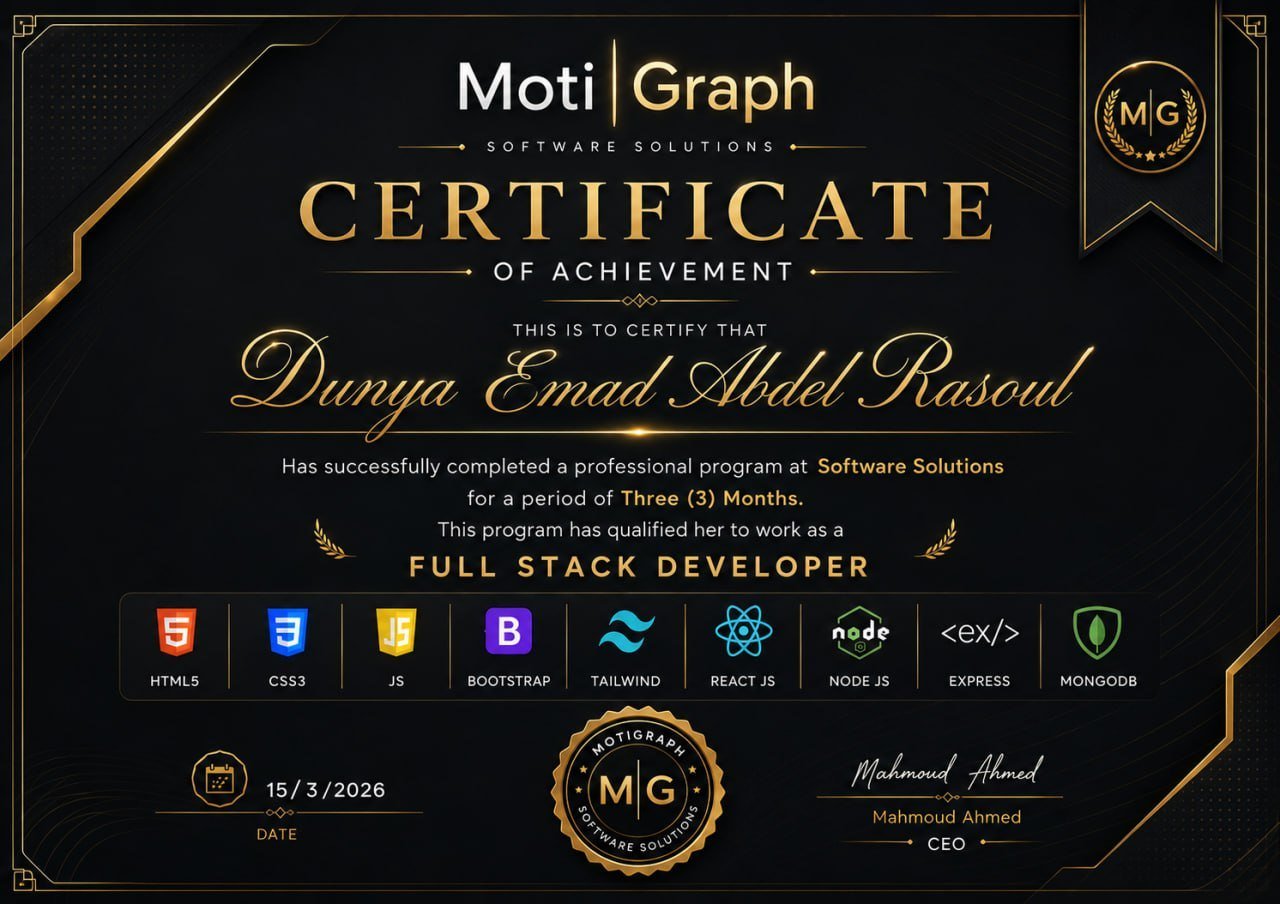
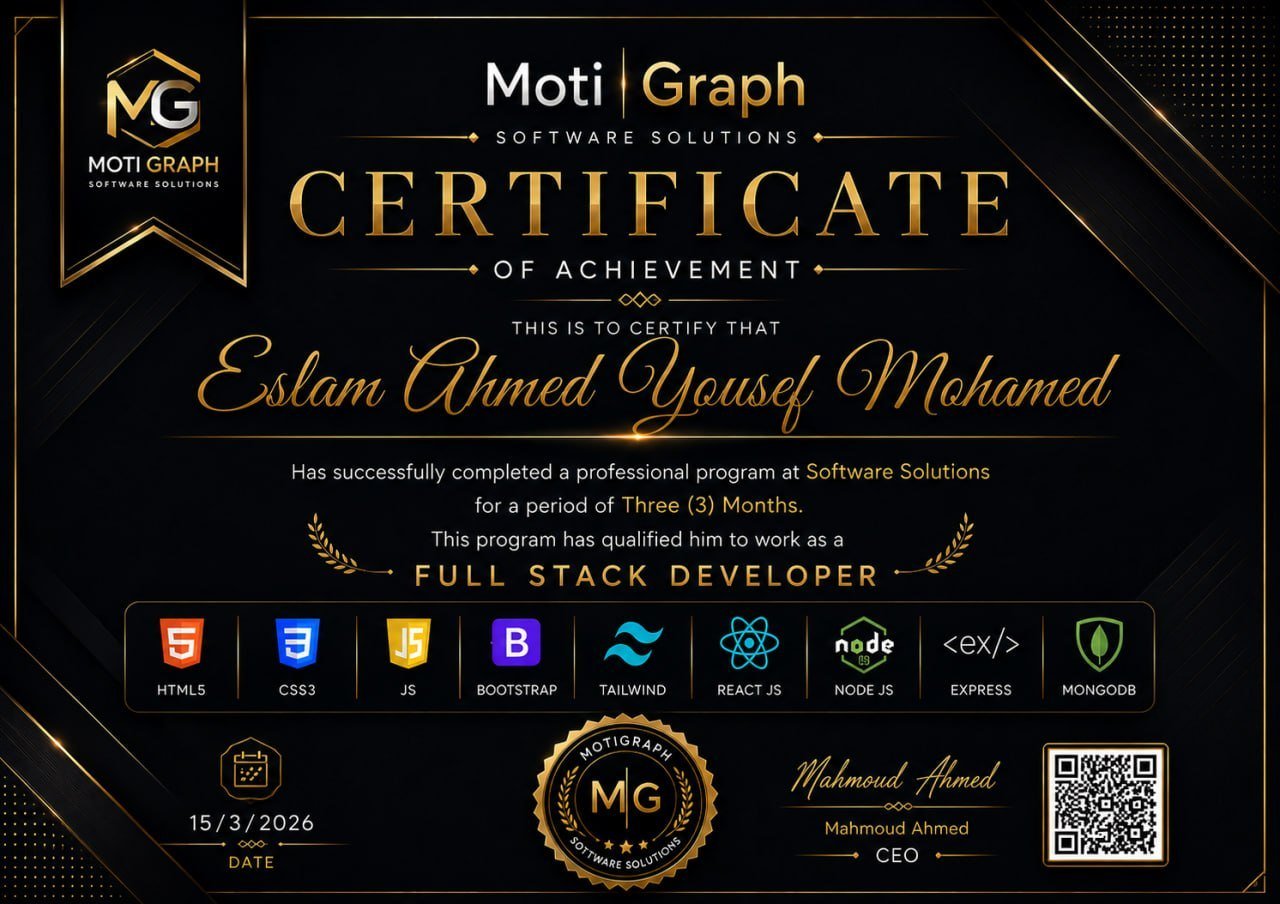
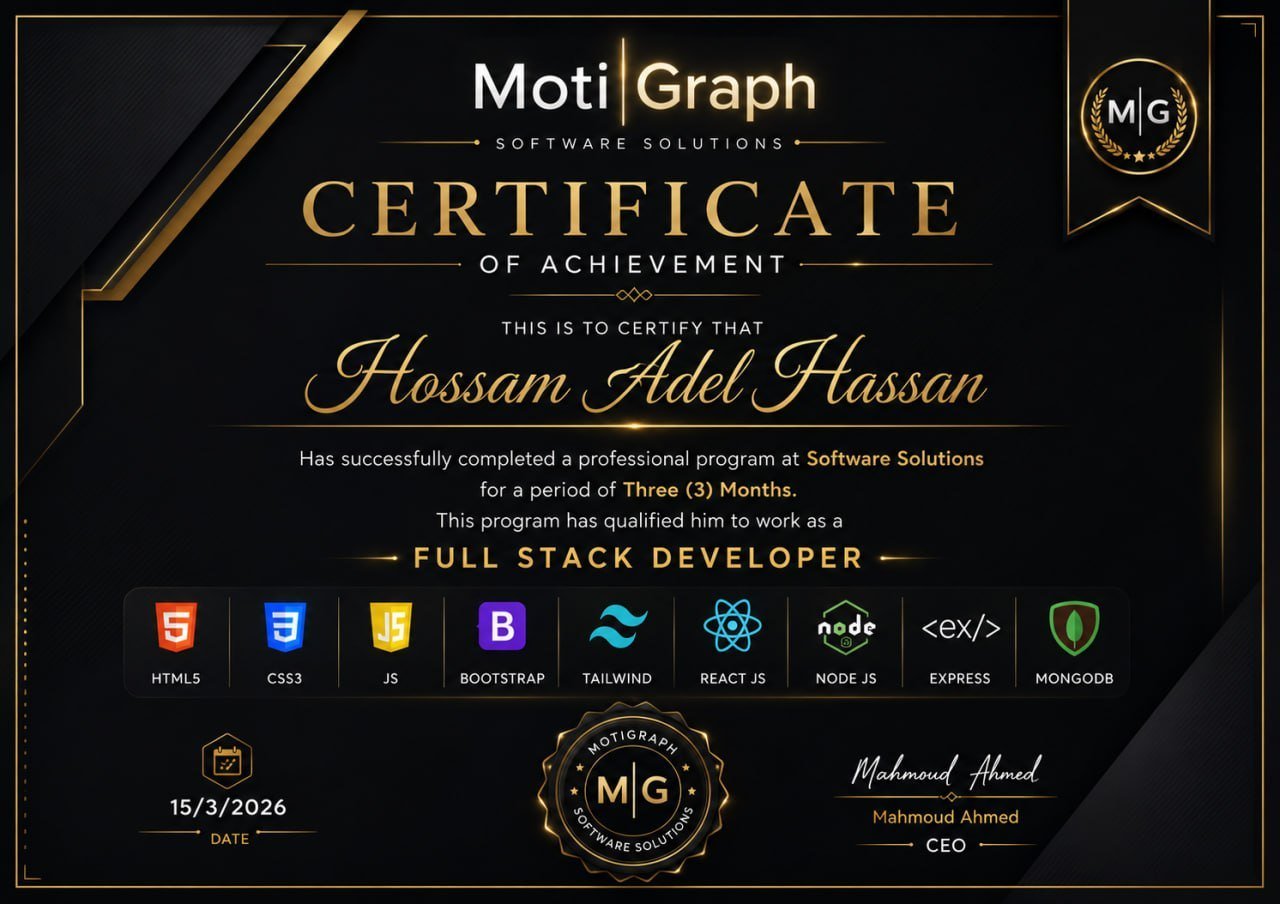
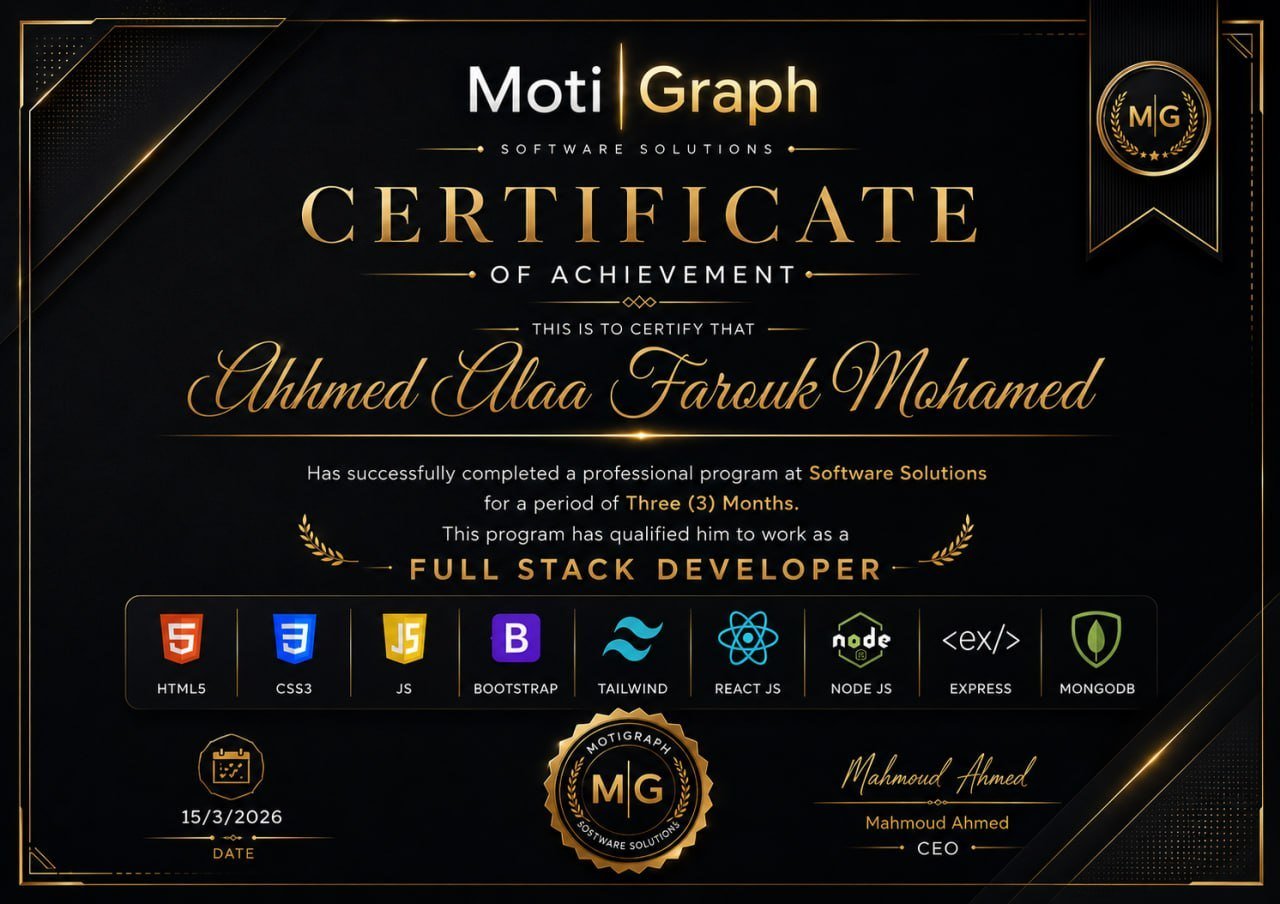
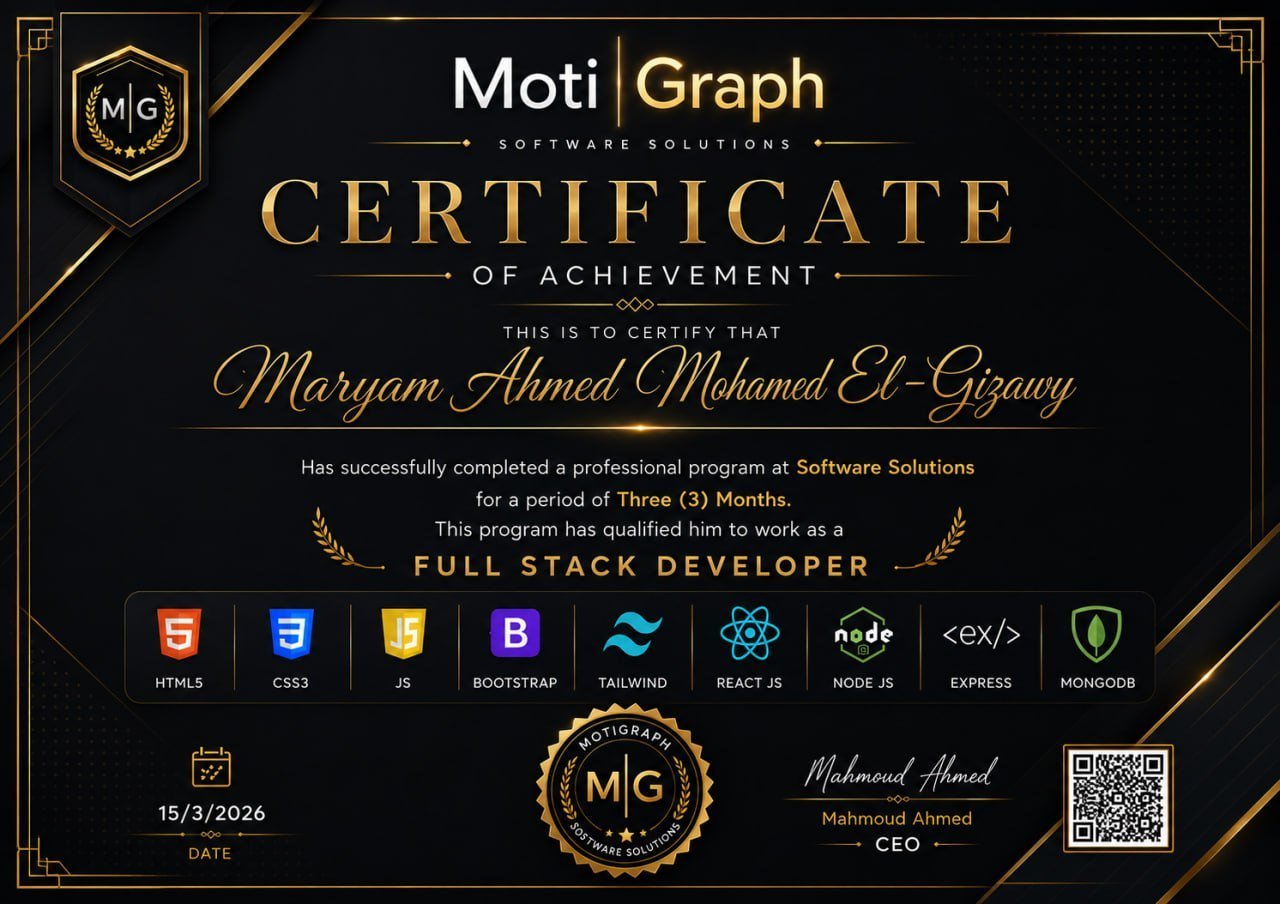
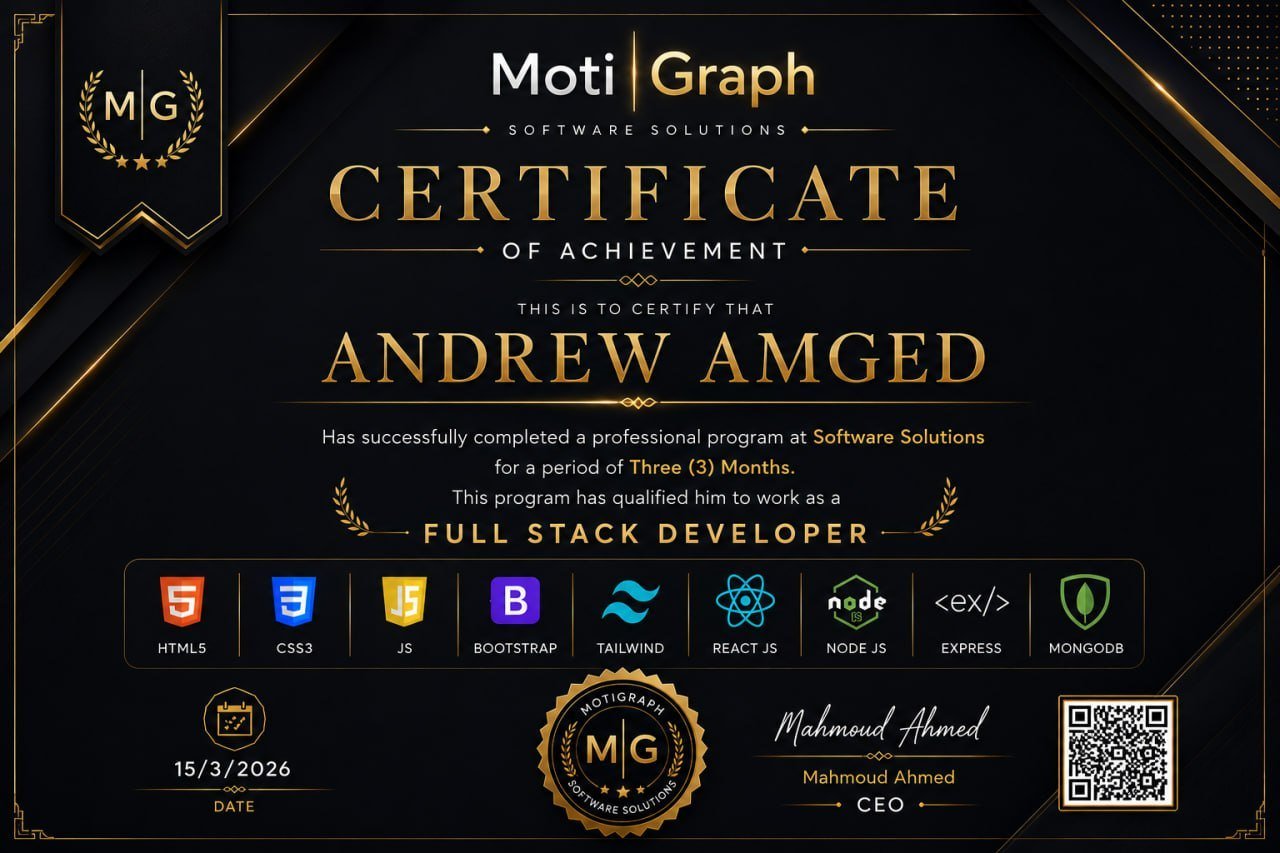
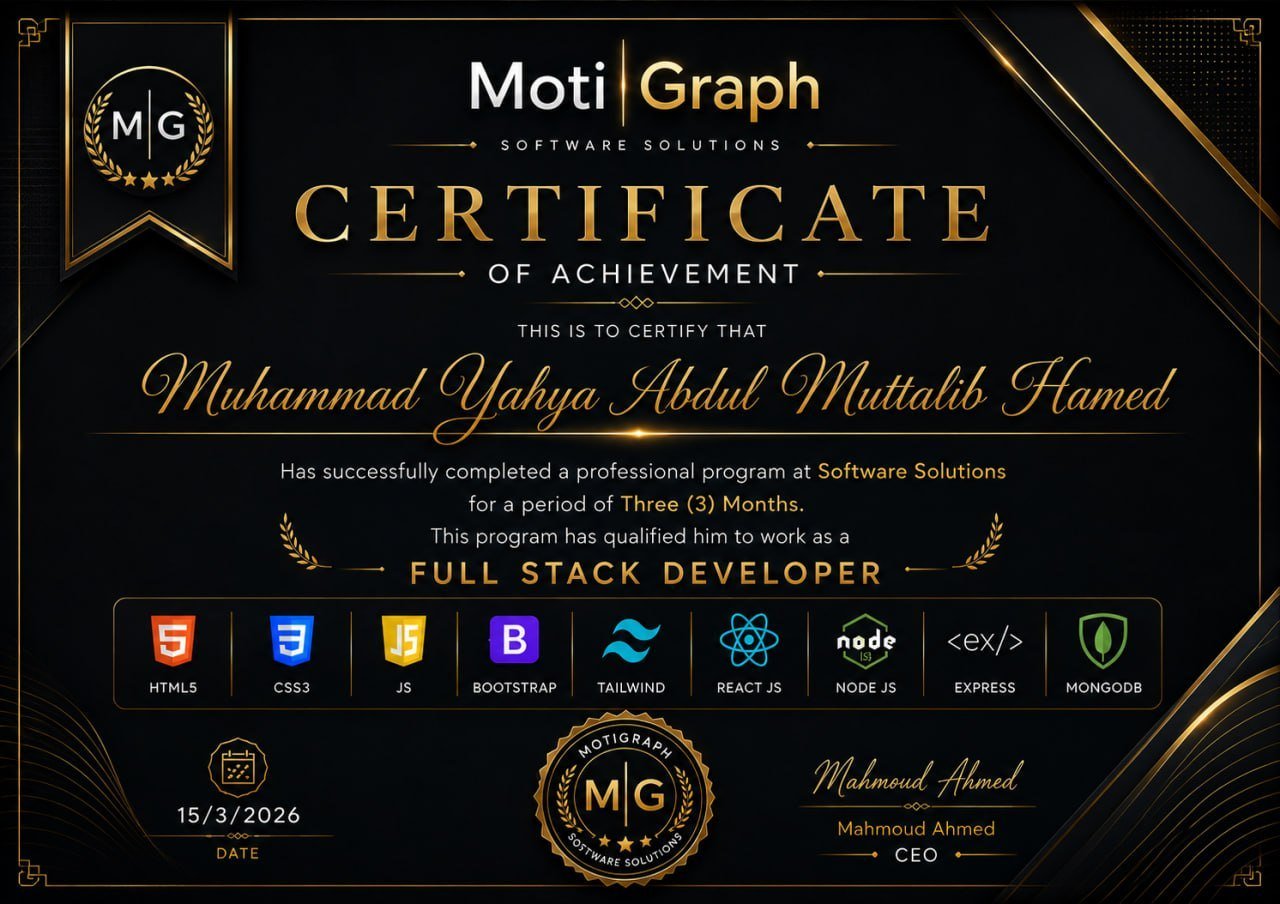
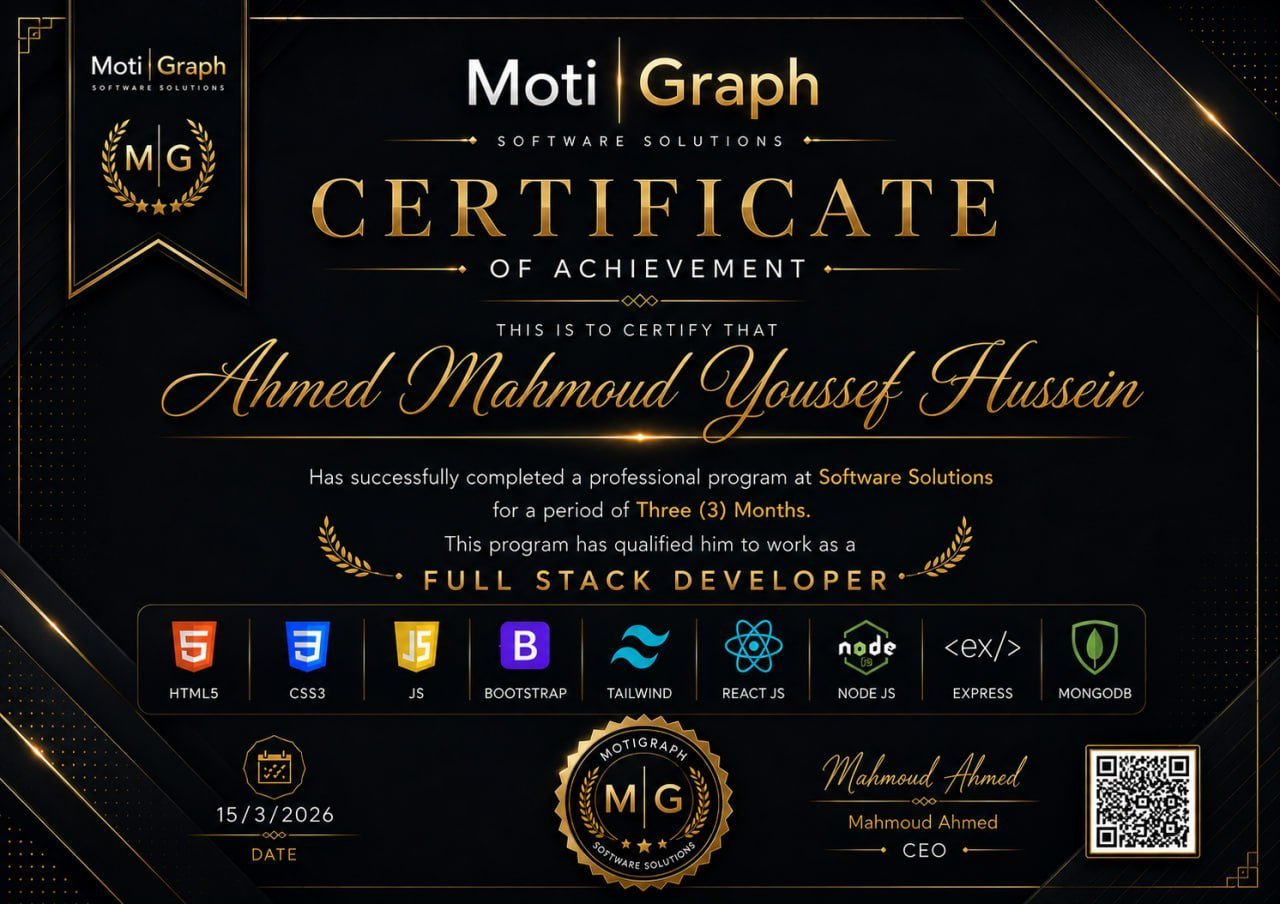
A certificate of experience, not of attendance

At the end you receive a certificate from MotiGraph Software Solutions stating how long you trained, the level you reached and the technologies you actually worked with — based on work you delivered, not on turning up.

Training period stated Technologies worked with Projects delivered Signed by the CEO
Example of the certificate issued to trainees
Outcomes

What you leave with

Not just a certificate.

Projects
E-Commerce Website
CMS Platform
REST API Integration
Development experience
Working from requirements
Splitting work into tasks
Git workflow
Code review
Debugging
Testing
Database design
API integration
Deployment
Professional skills
Teamwork
Communication
Problem solving
Time management
Task management
Presentation
Understanding client requirements
Portfolio
Real projects
GitHub repositories
README & documentation
Project presentation

Not a course — a work experience.

Three months of practical training that mirrors a real working environment. You will build an e-commerce platform and a CMS, and learn how development works inside a team: from requirements and tasks through git, code review, testing and deployment.

7,000 EGP

Three months · Two days a week

Full-Time

Intensive, with longer hours on each training day.

Part-Time

A schedule that suits students and people in work, with the same goals and the same outcomes.
Apply for This Track
More Tracks

Other Internship Tracks

MERN Stack Practical Training

We will not teach you JavaScript from scratch — we will teach you to build with it as a full-stack developer.

View Track

Flutter Mobile App Development

We will not teach you Flutter from scratch — we will teach you how to build real mobile applications with it.

View Track