User Interaction
MotiGraph
Level 02 — Flutter Development Beginner Certificate

User Interaction

Making screens respond: buttons, TextField, forms and validation, checkboxes, radio buttons, switches and dropdowns, date and time pickers, and dialogs and bottom sheets.

4 lessons 200 min
  • Forms
  • Input
  • Validation
Skills

What You Will Learn in This Course

Capture input with fields, switches and pickers.
Build forms with validation.
Present dialogs and bottom sheets.
Handle user actions cleanly.

About This Course

Making screens respond: buttons, TextField, forms and validation, checkboxes, radio buttons, switches and dropdowns, date and time pickers, and dialogs and bottom sheets.

Requirements

  • Layout system.

Who It Is For

  • Beginners.
Curriculum

Course Content

4 items · 1 sections

  1. 01 Buttons, TextField and forms Preview 55 min
  2. 02 Validation, checkboxes, radios, switches 50 min
  3. 03 Dropdowns, date and time pickers 45 min
  4. 04 Dialogs and bottom sheets 50 min
Certified

Certificates You Can Earn

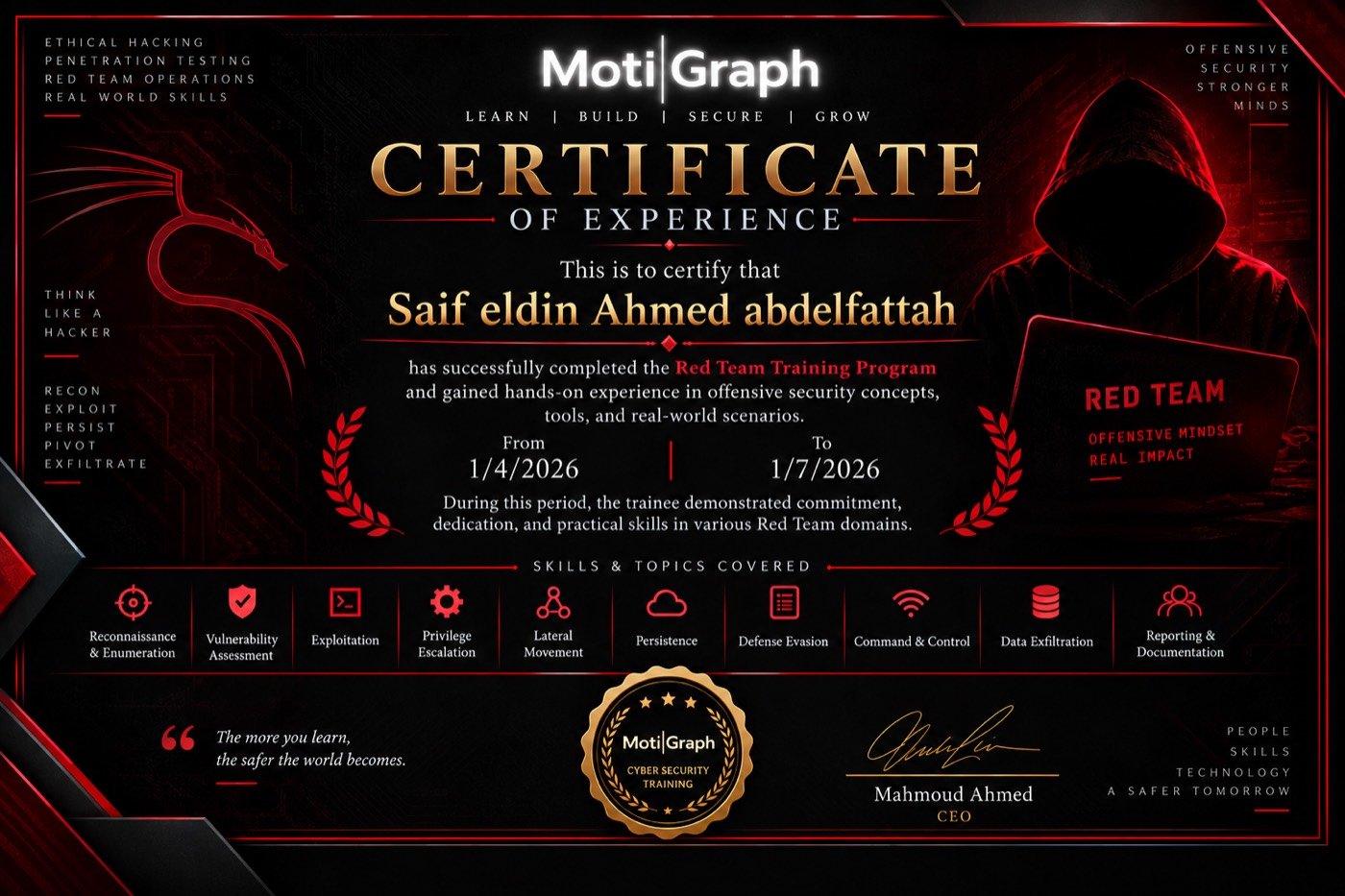
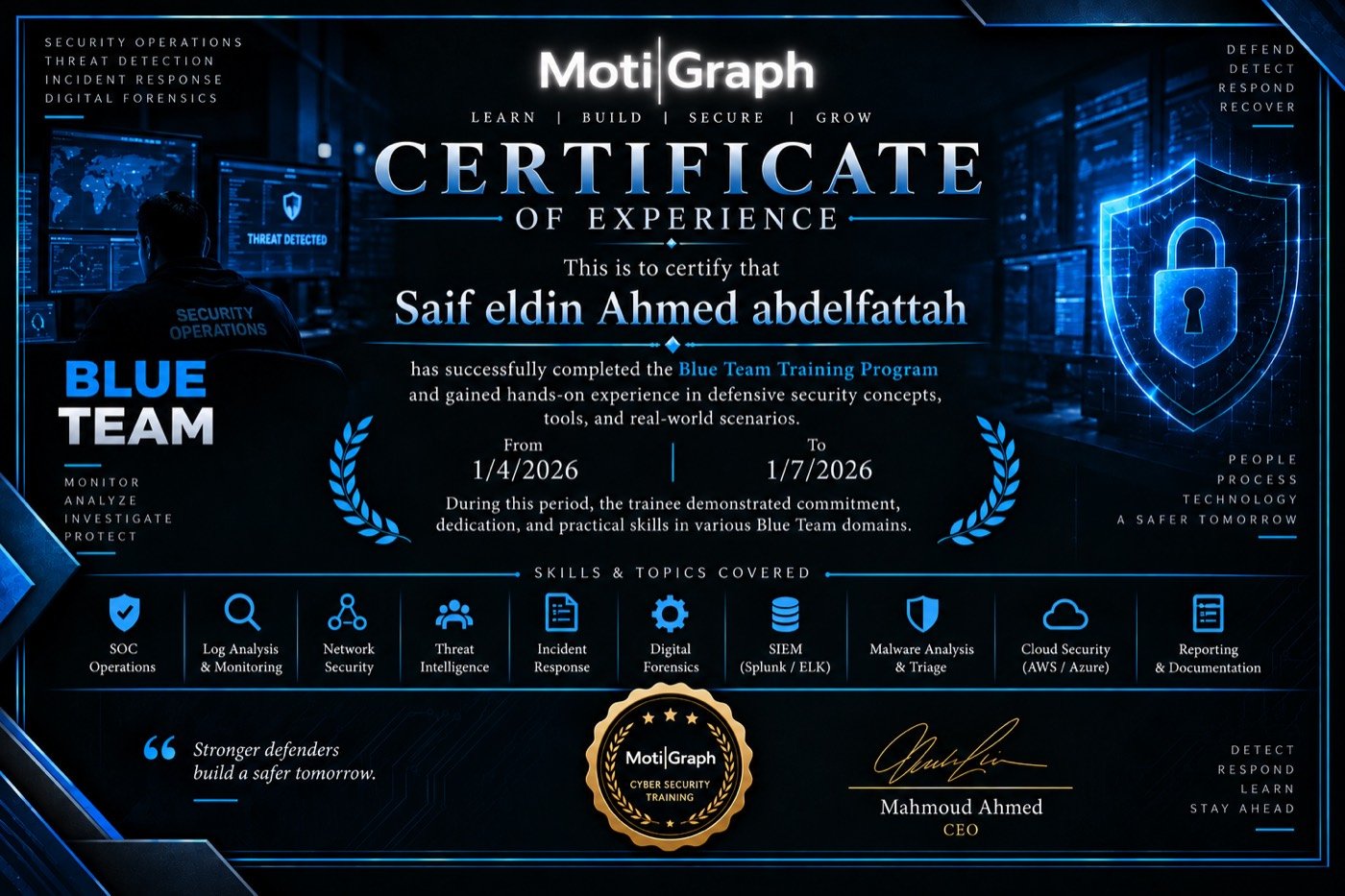
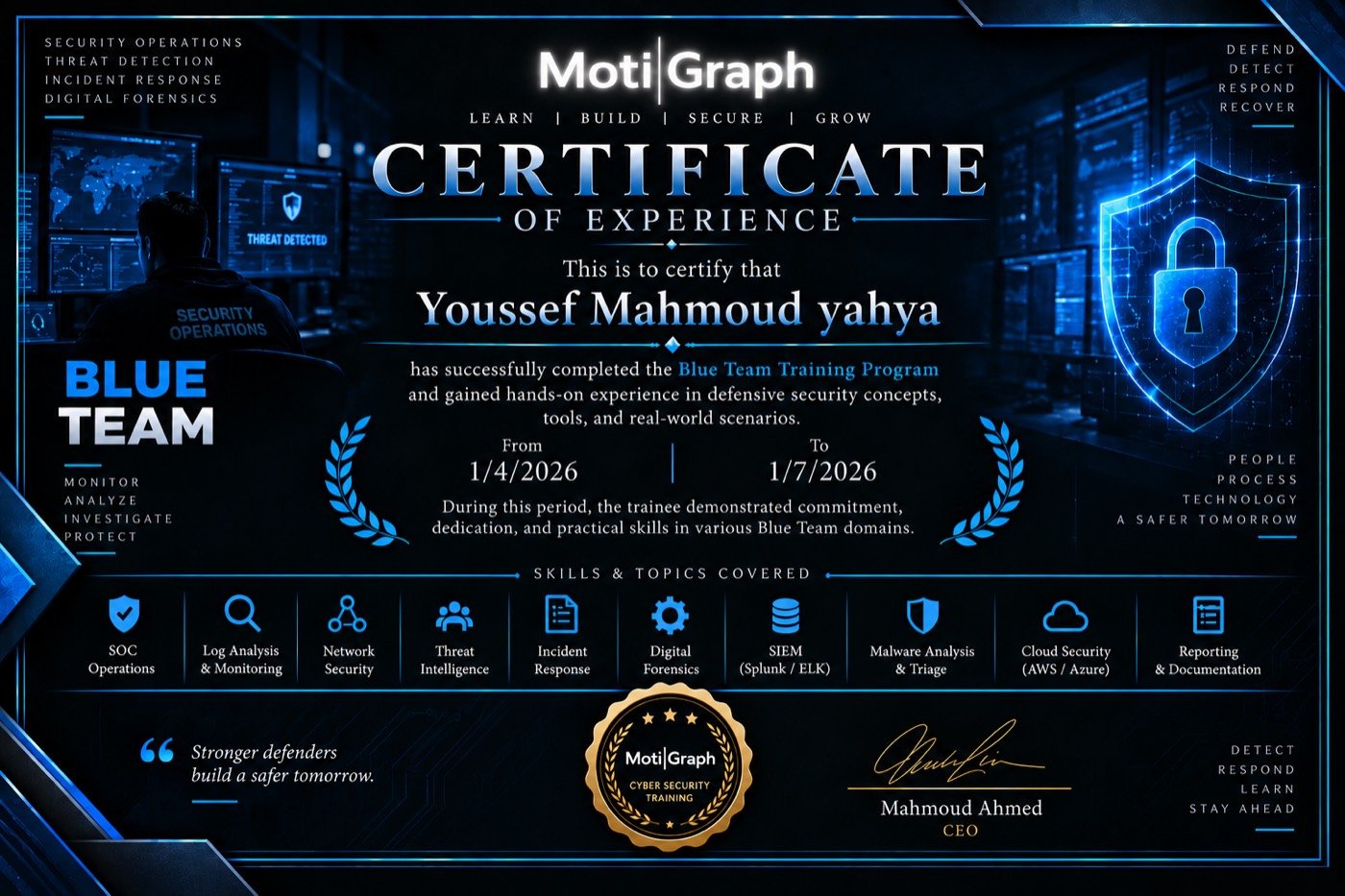
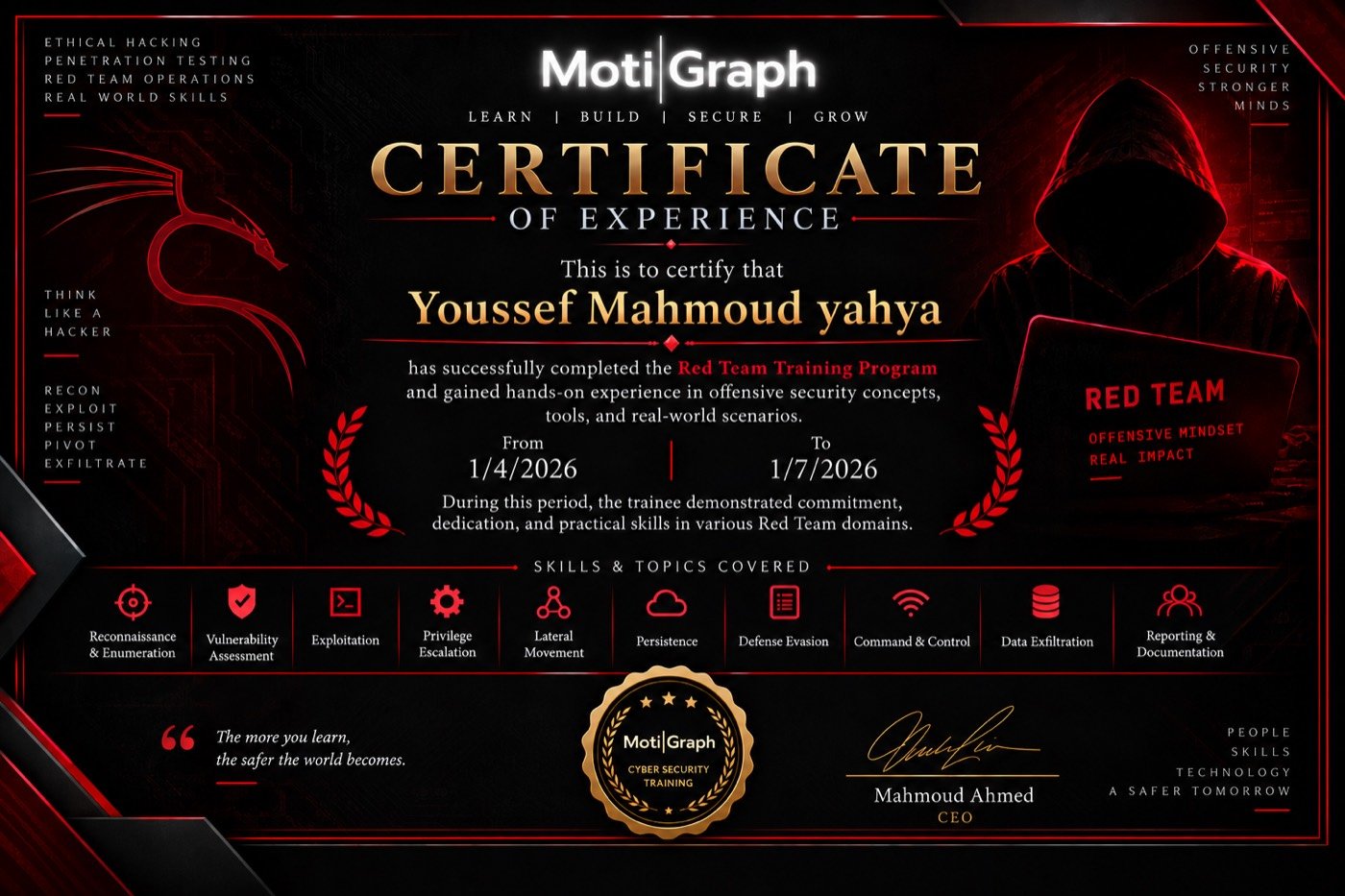
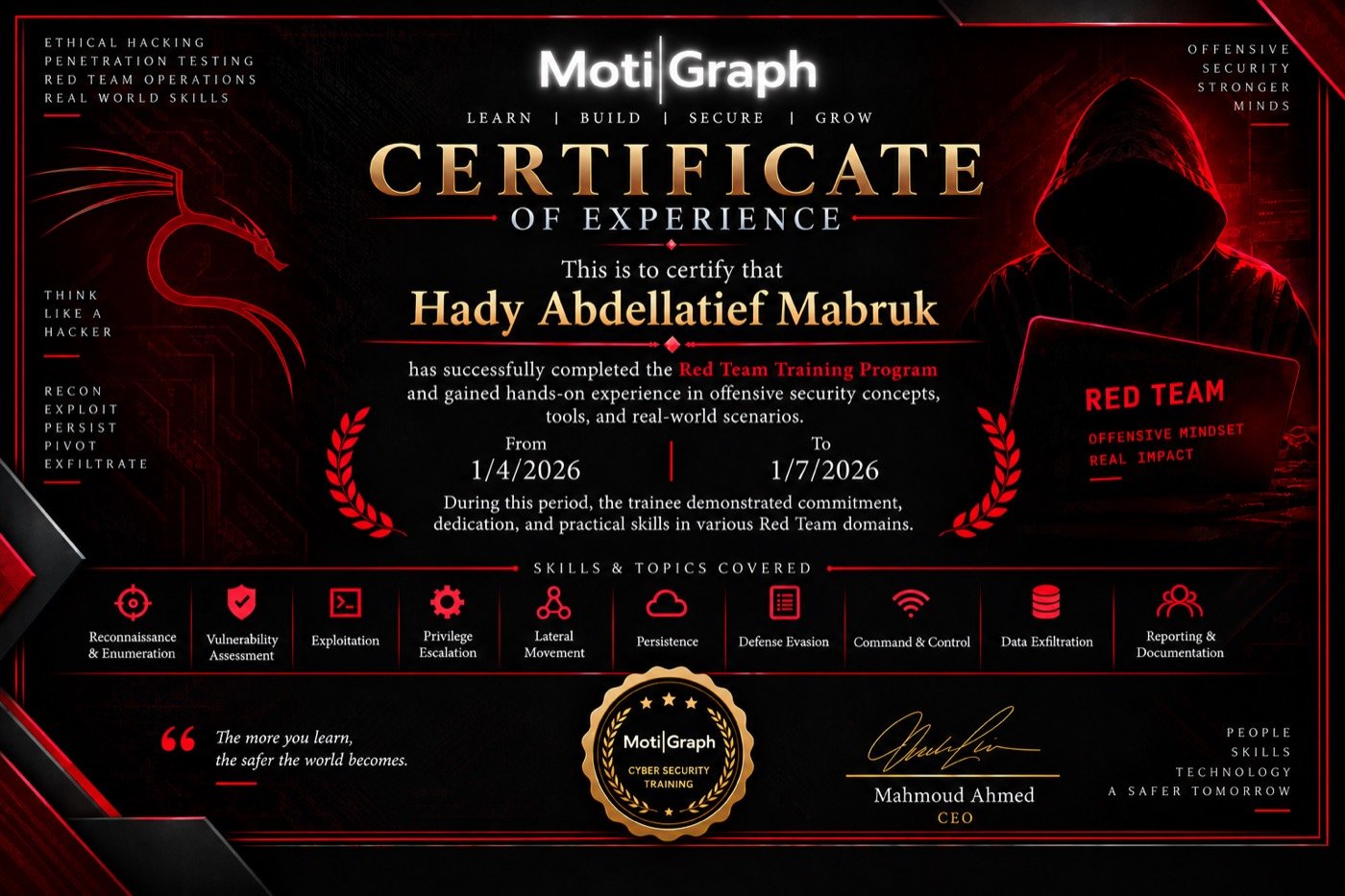
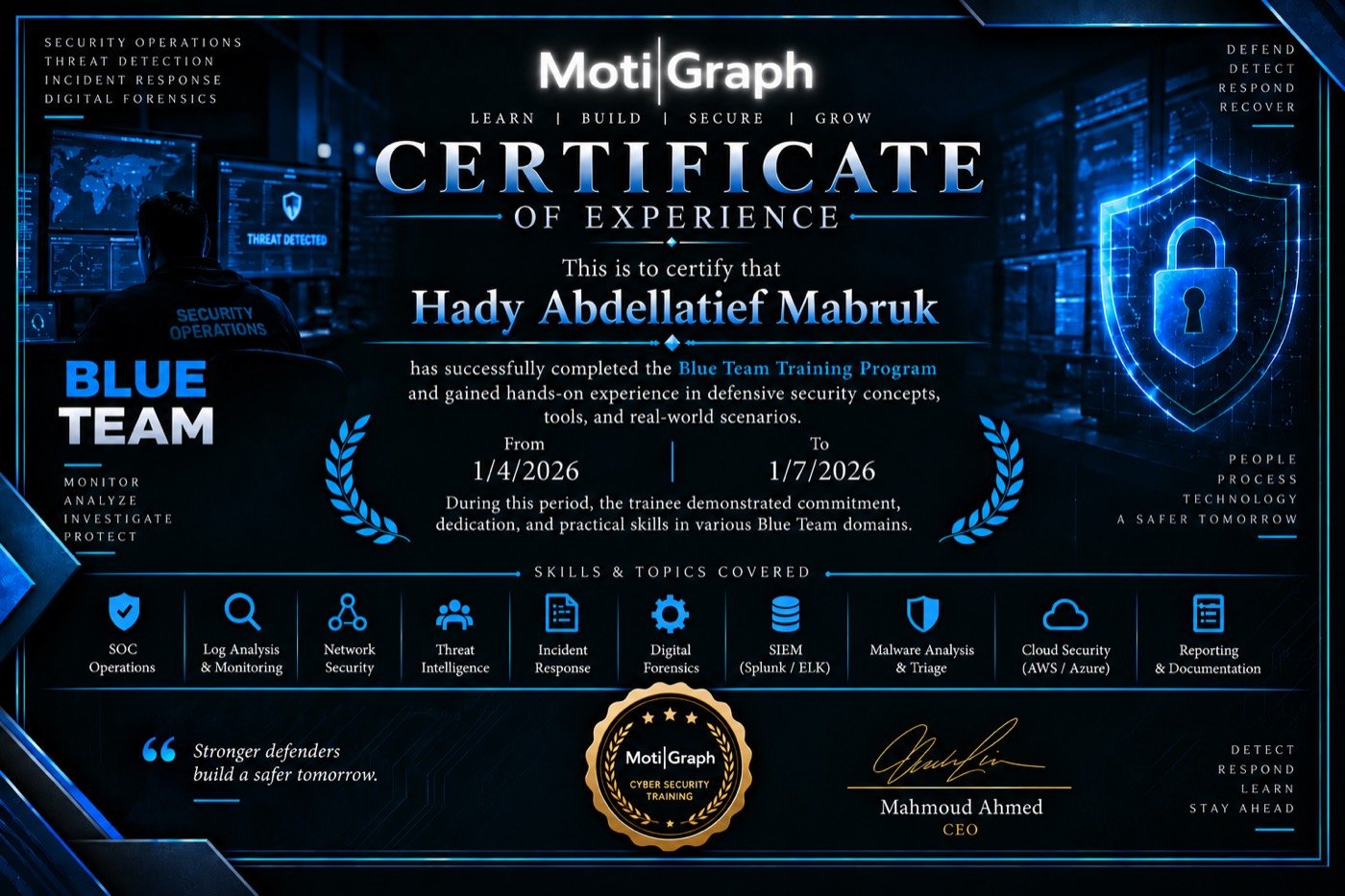
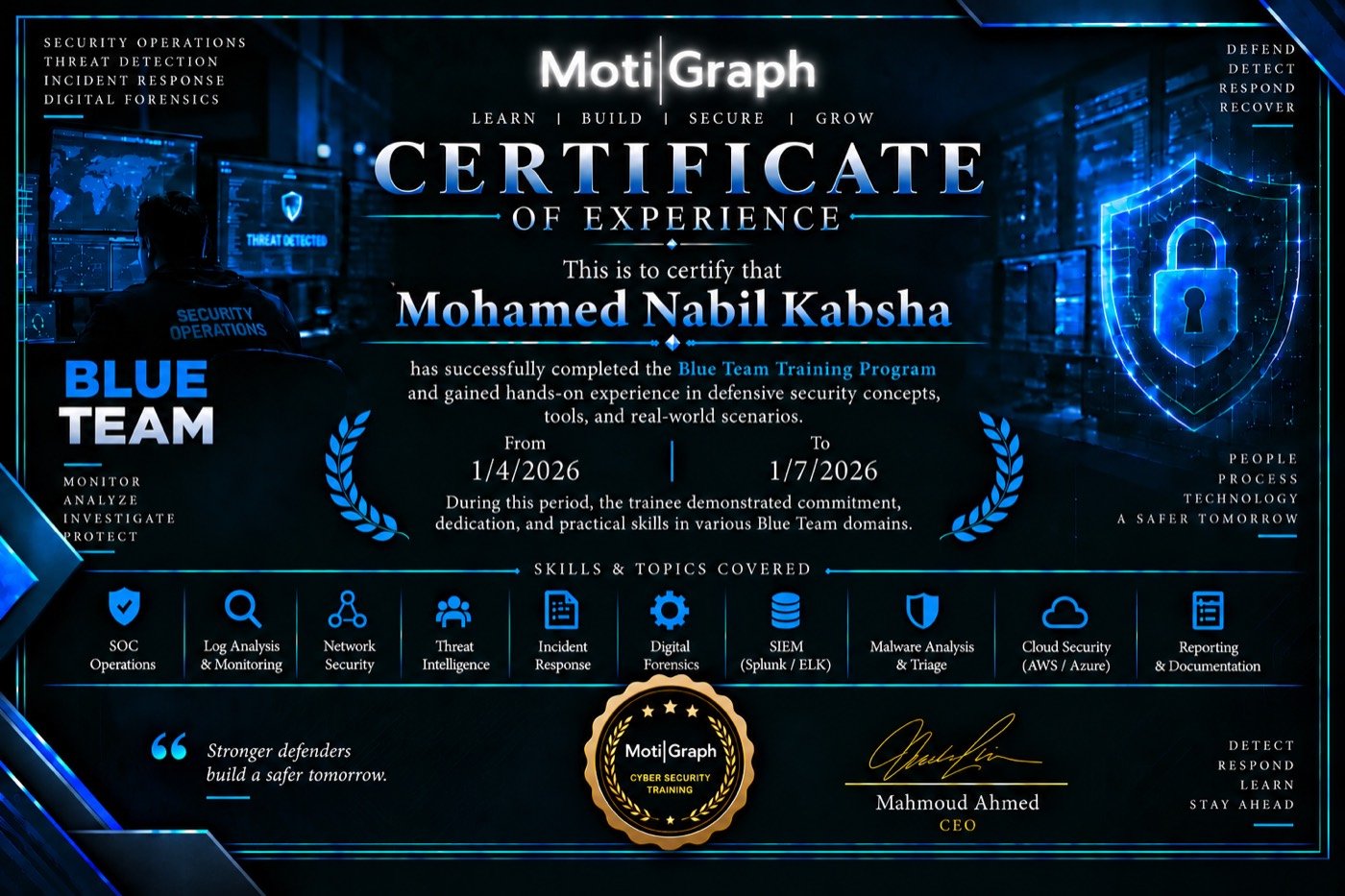
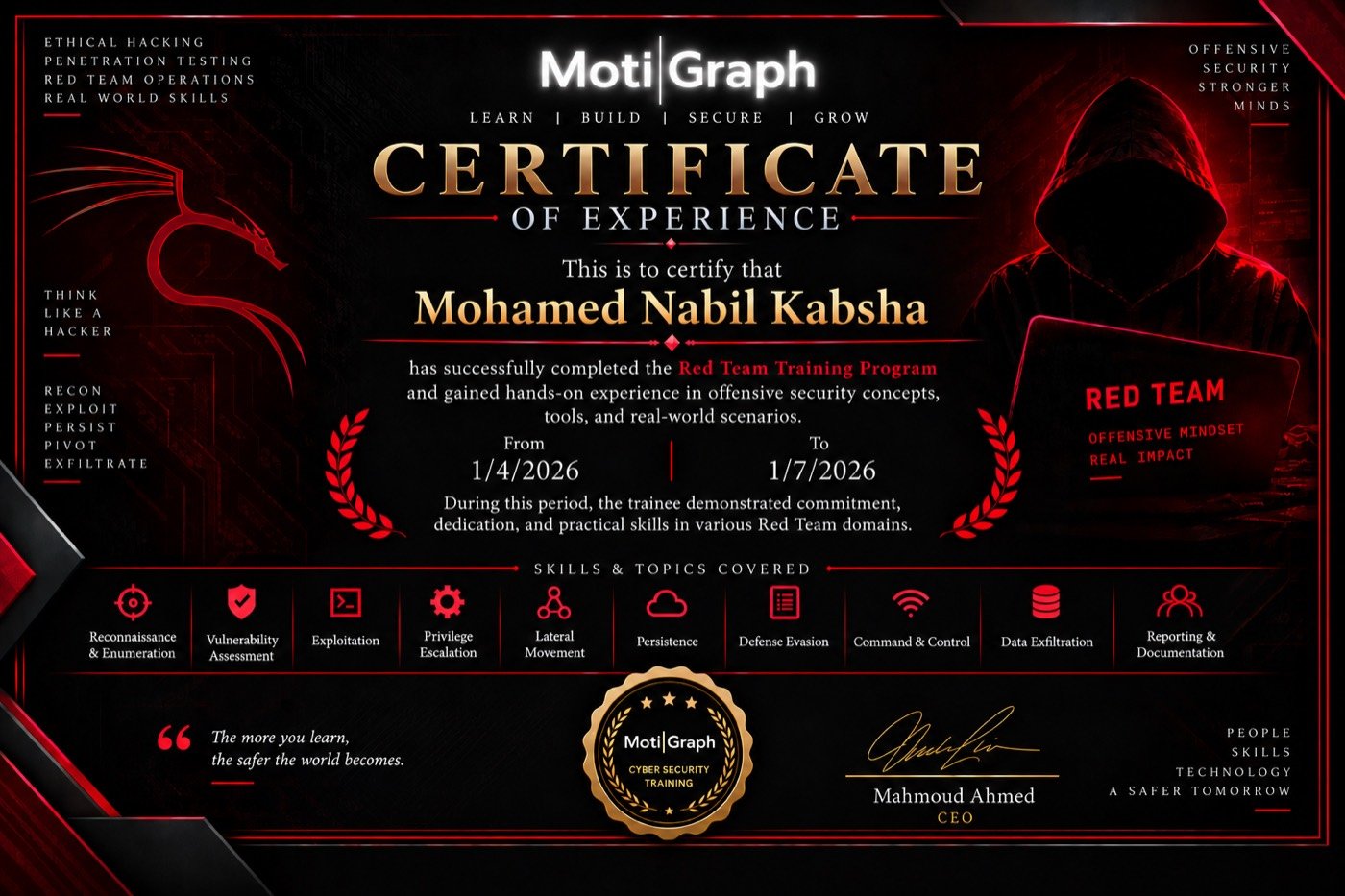
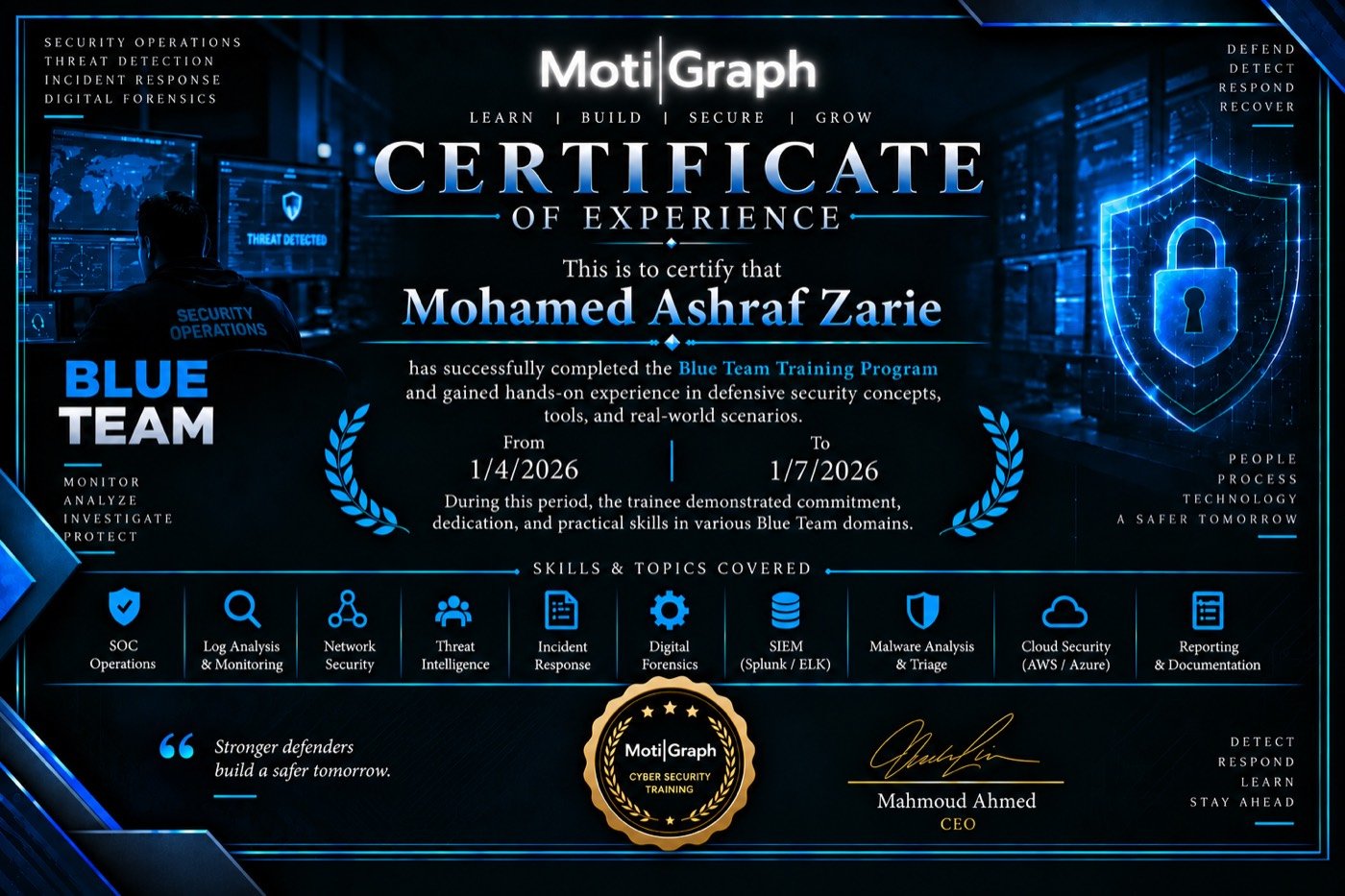
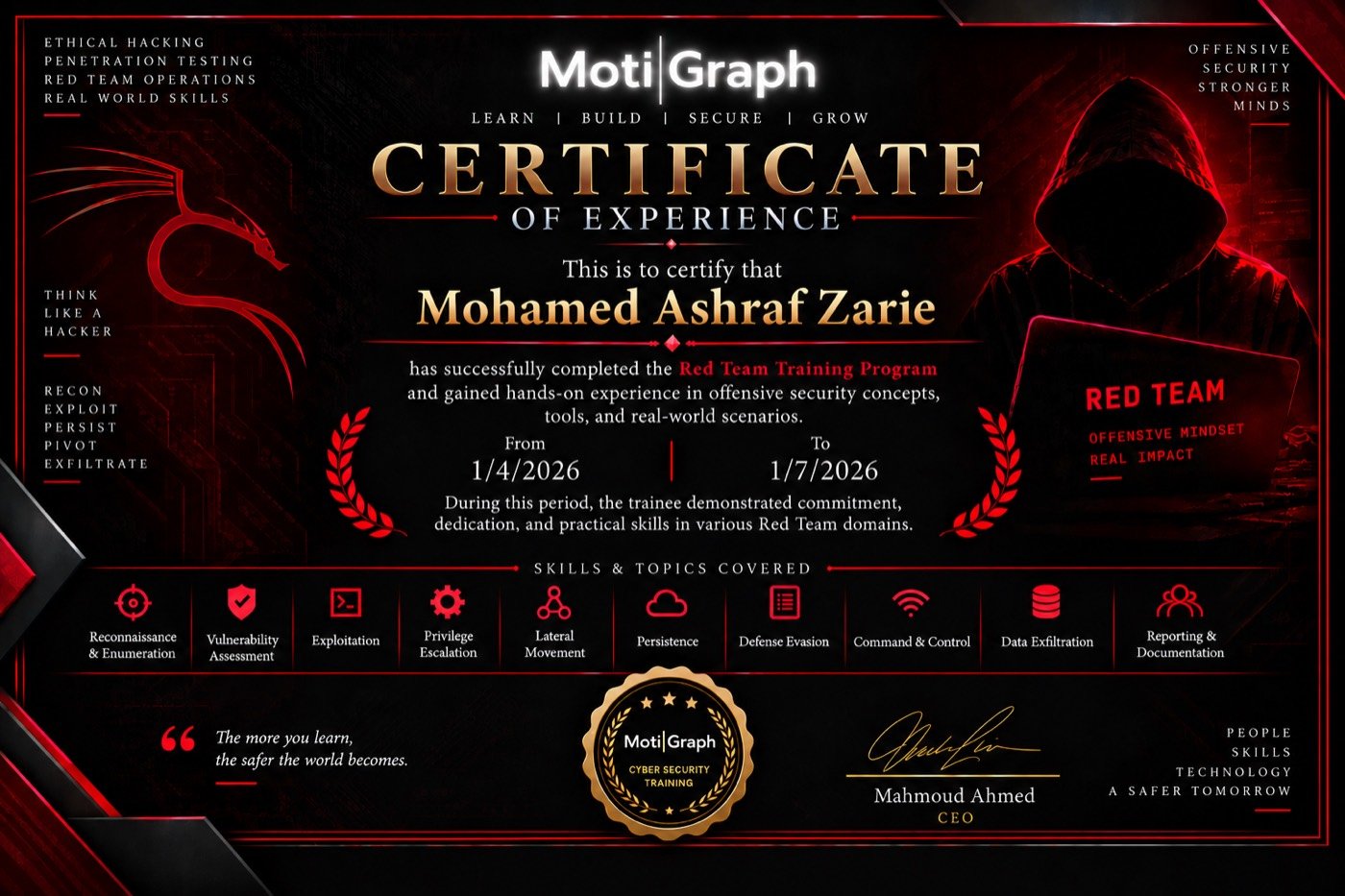
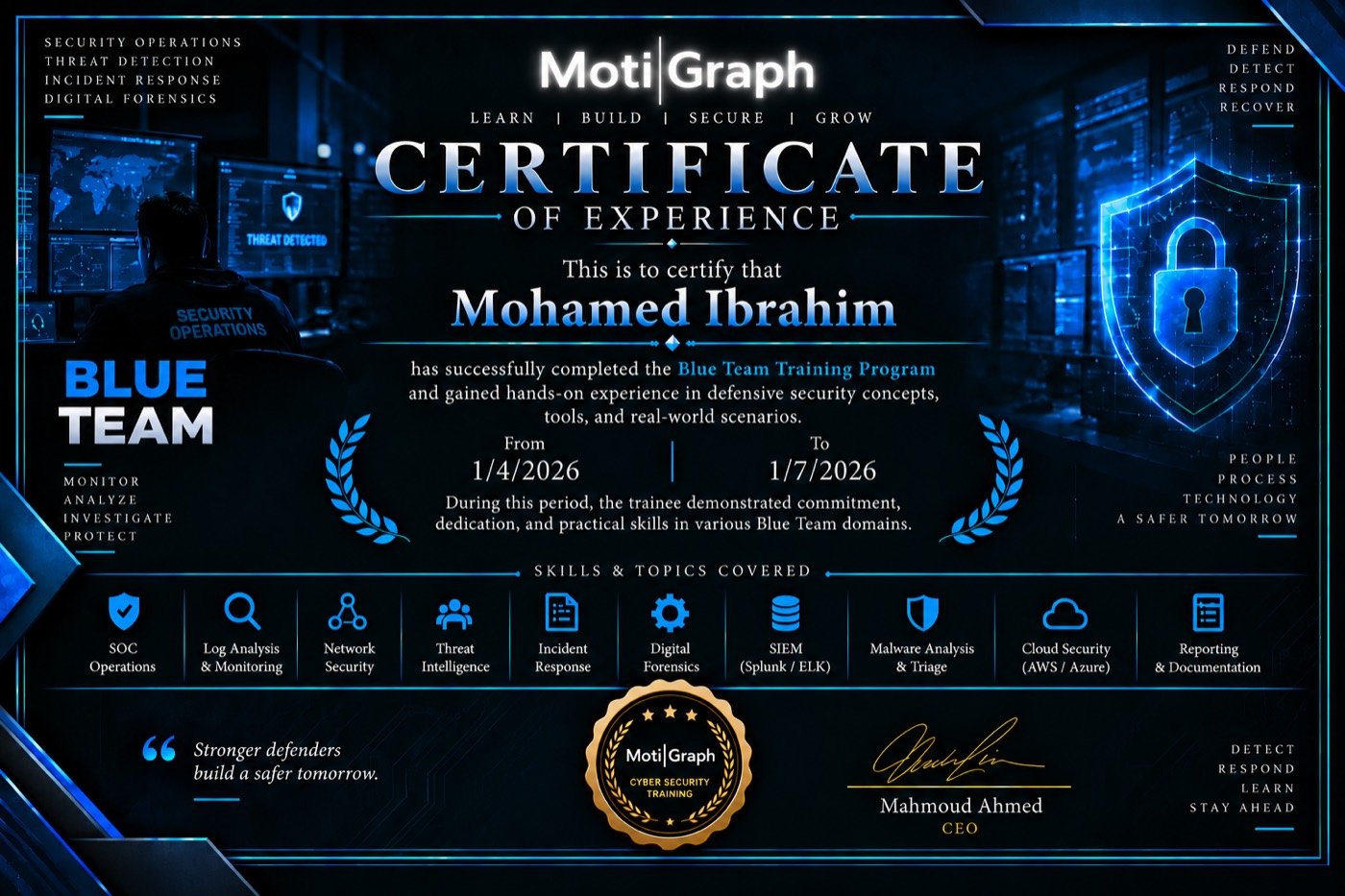
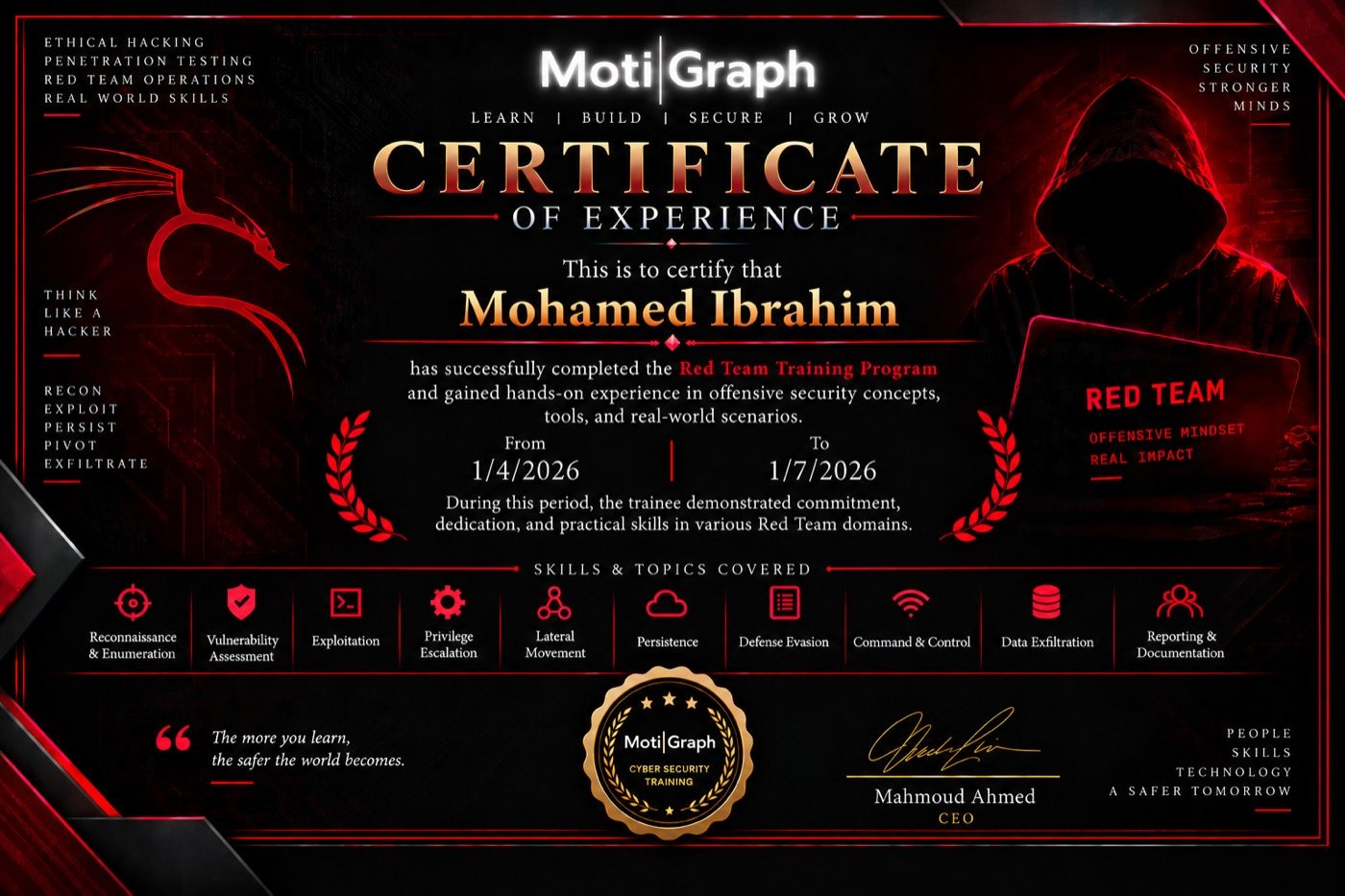
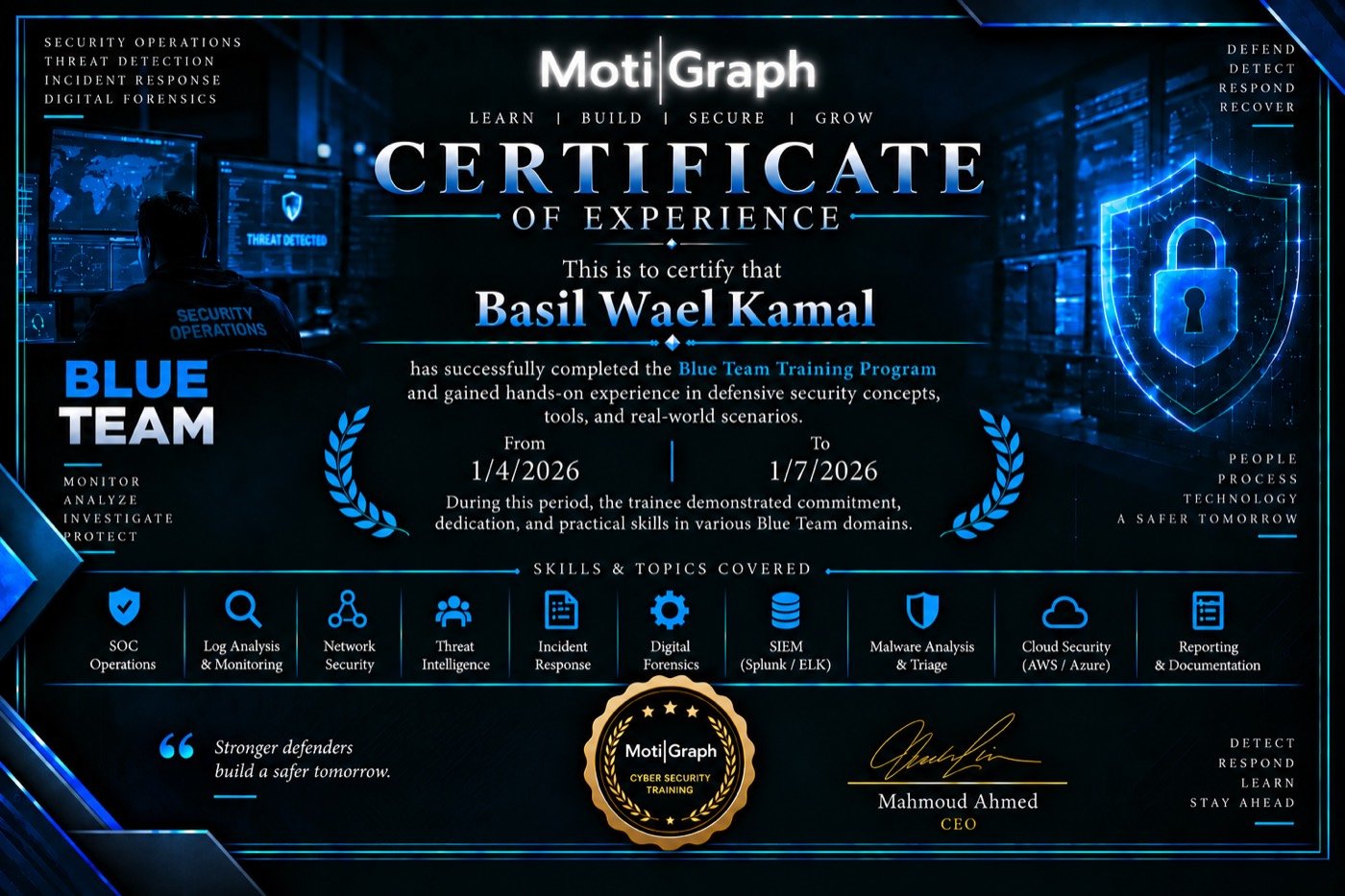
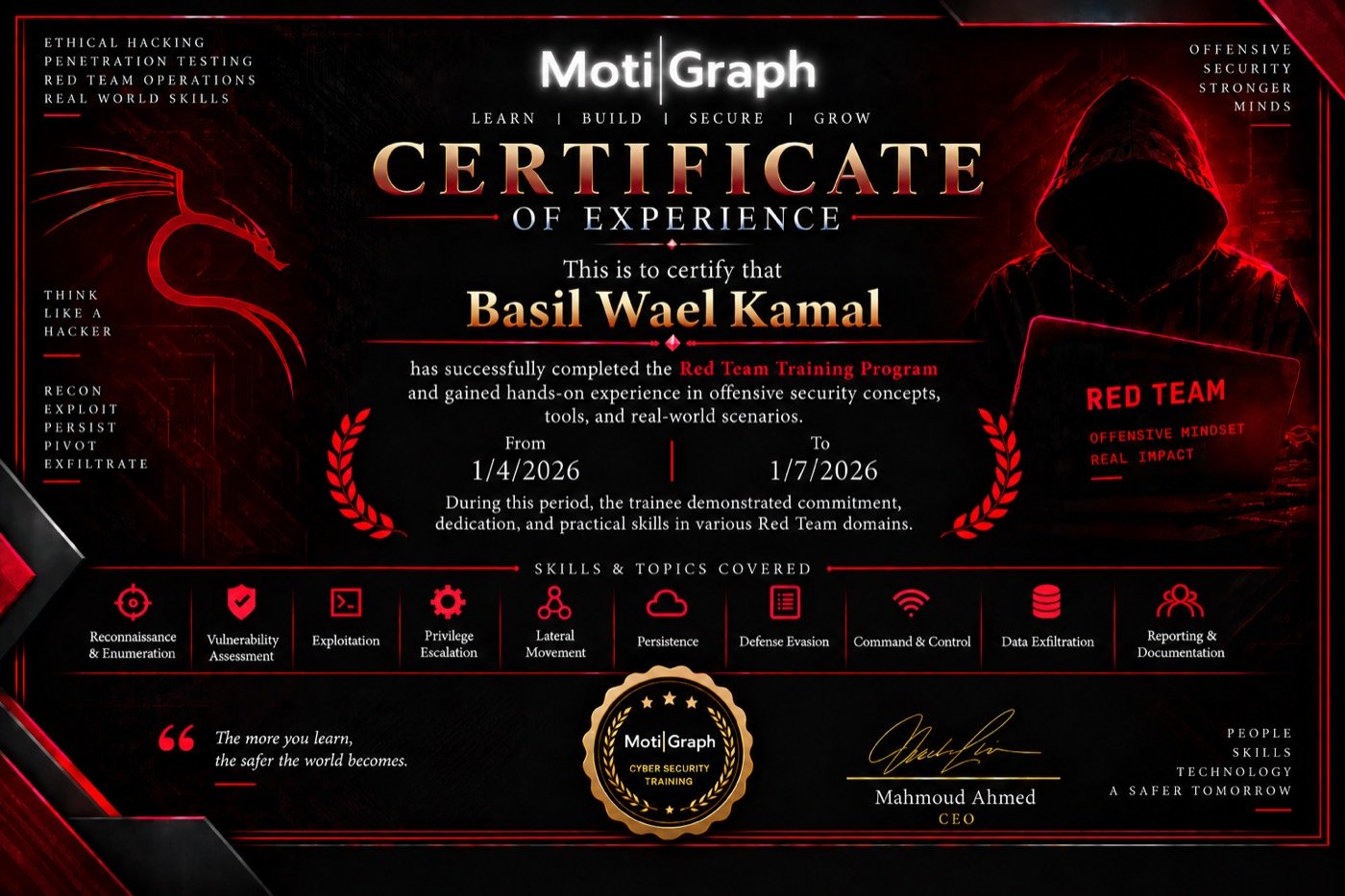
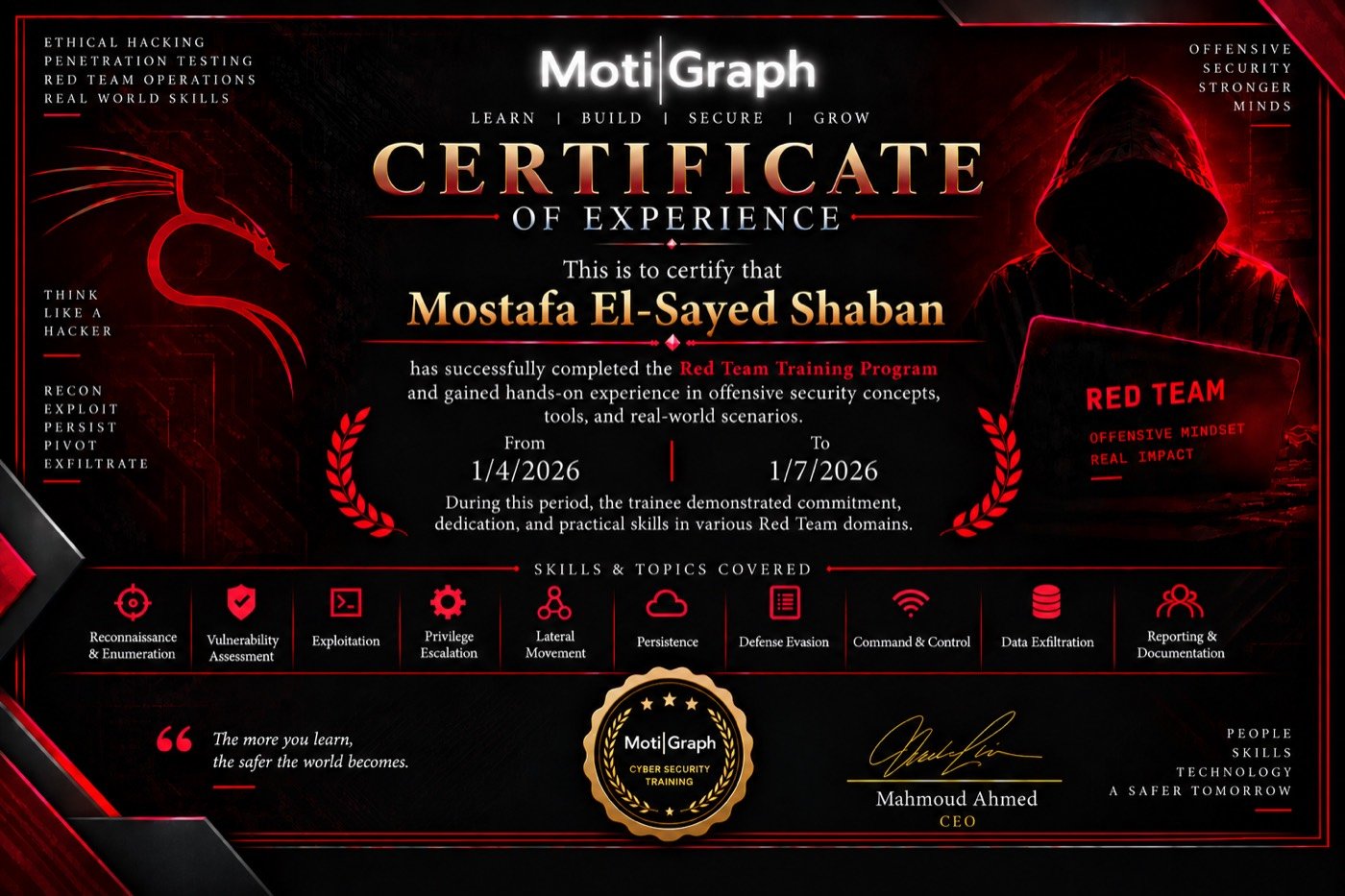
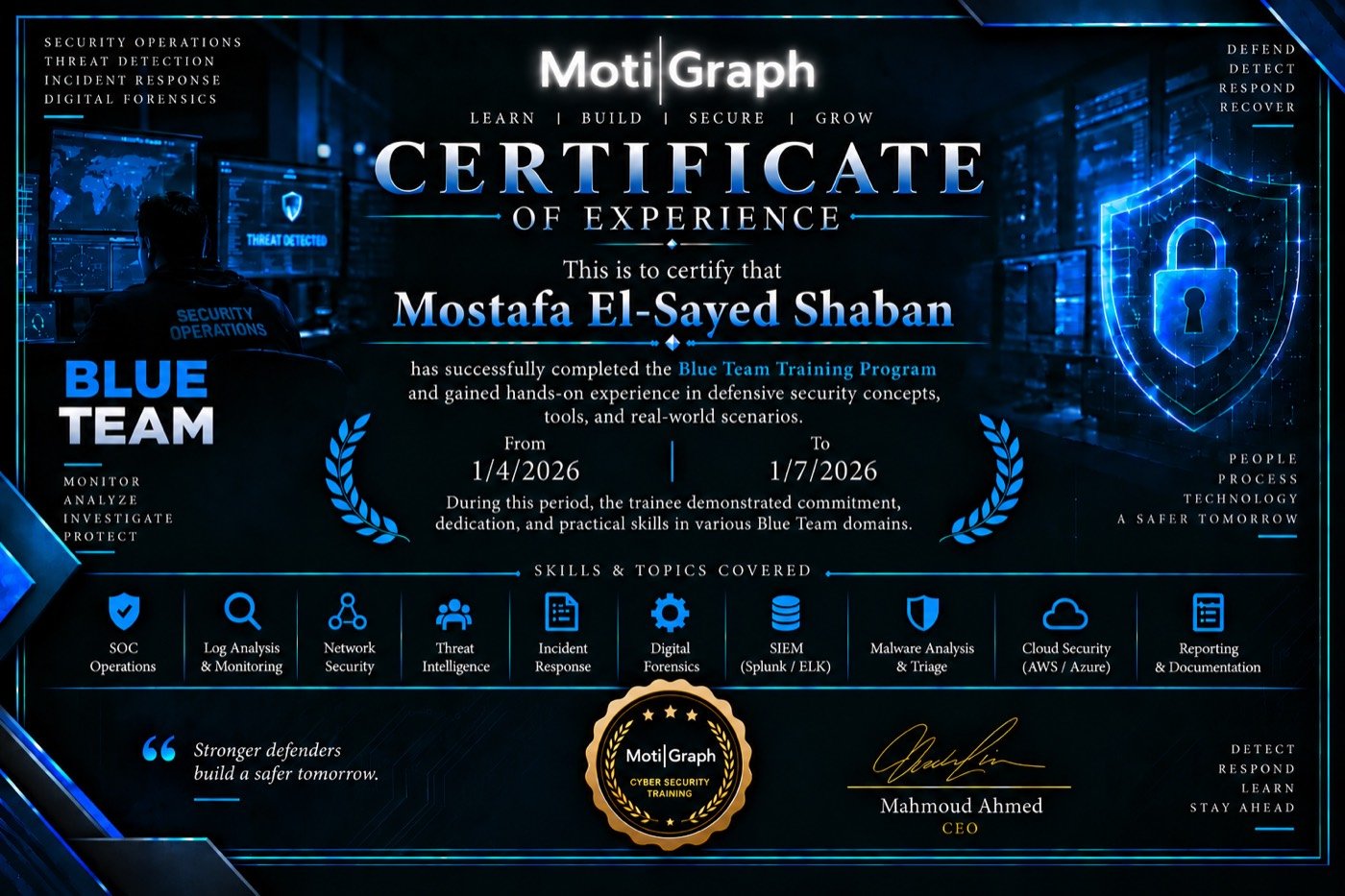
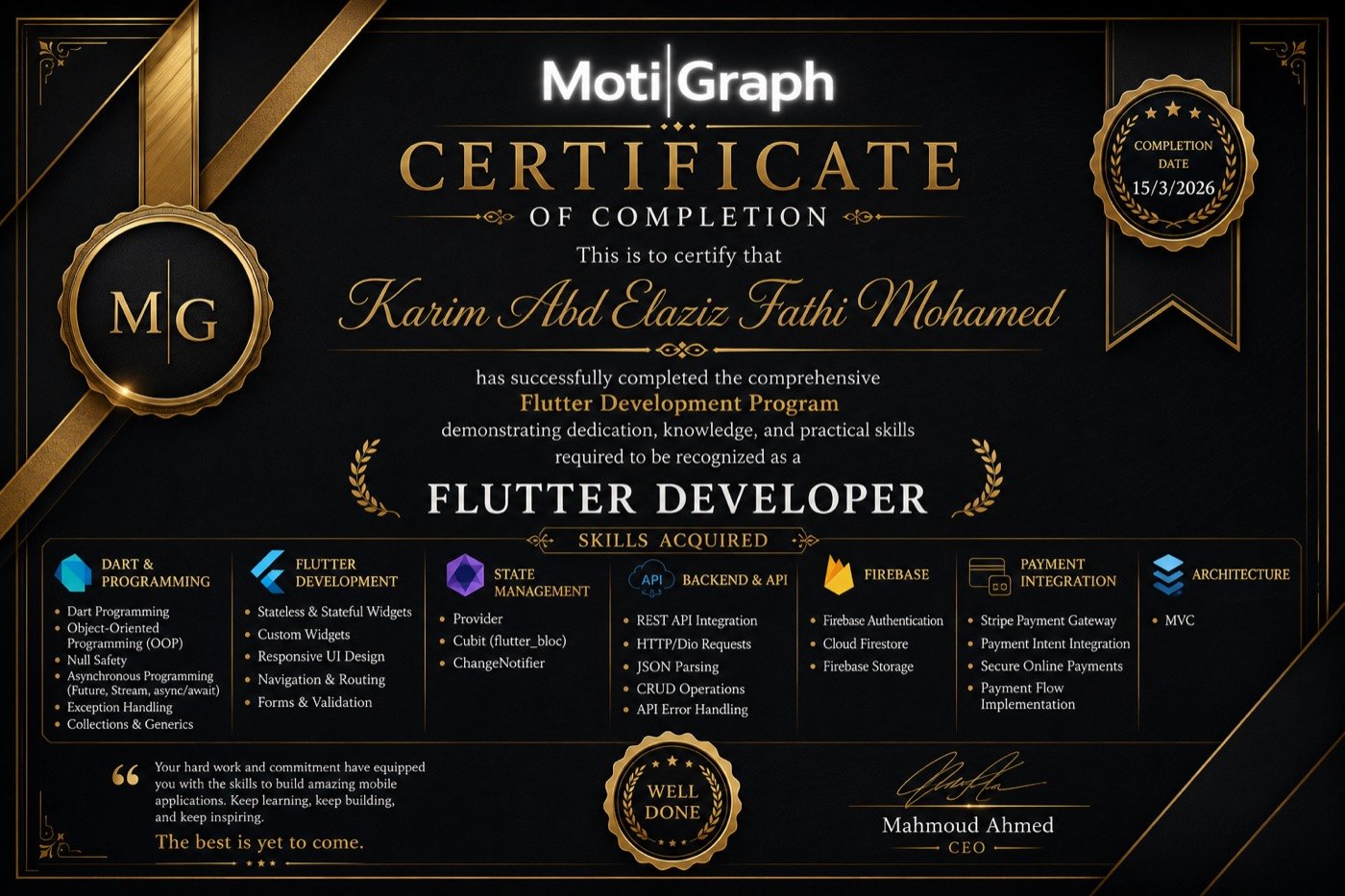
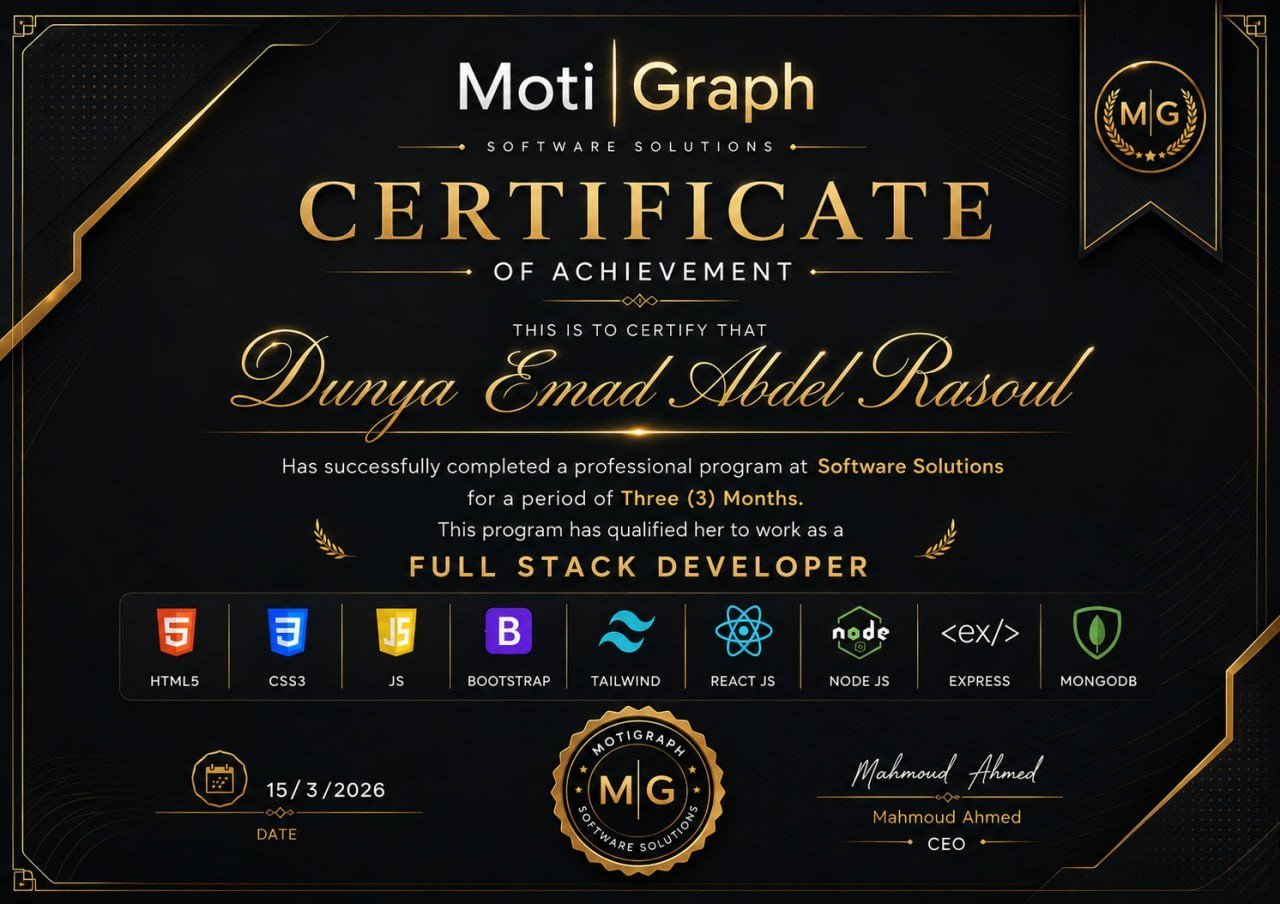
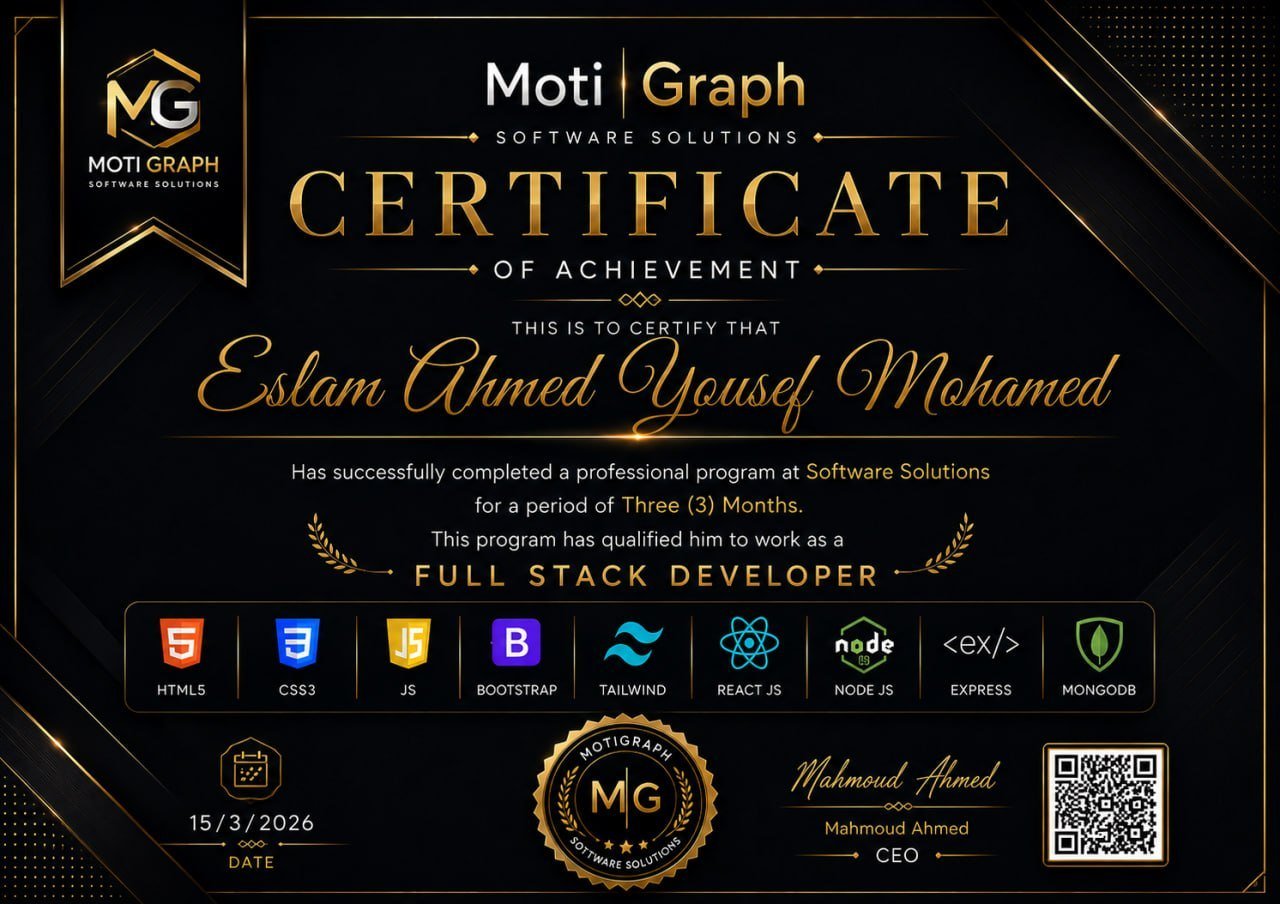
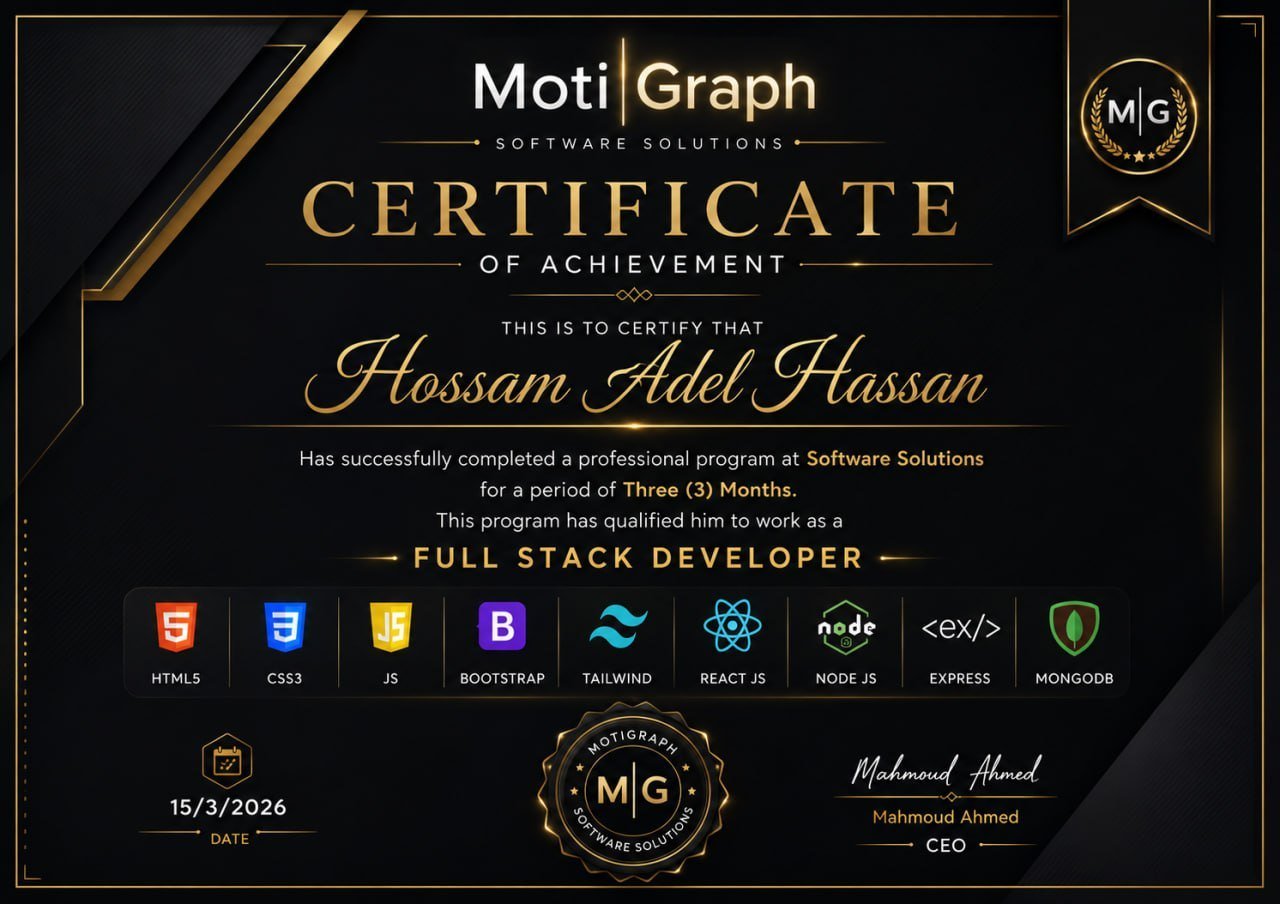
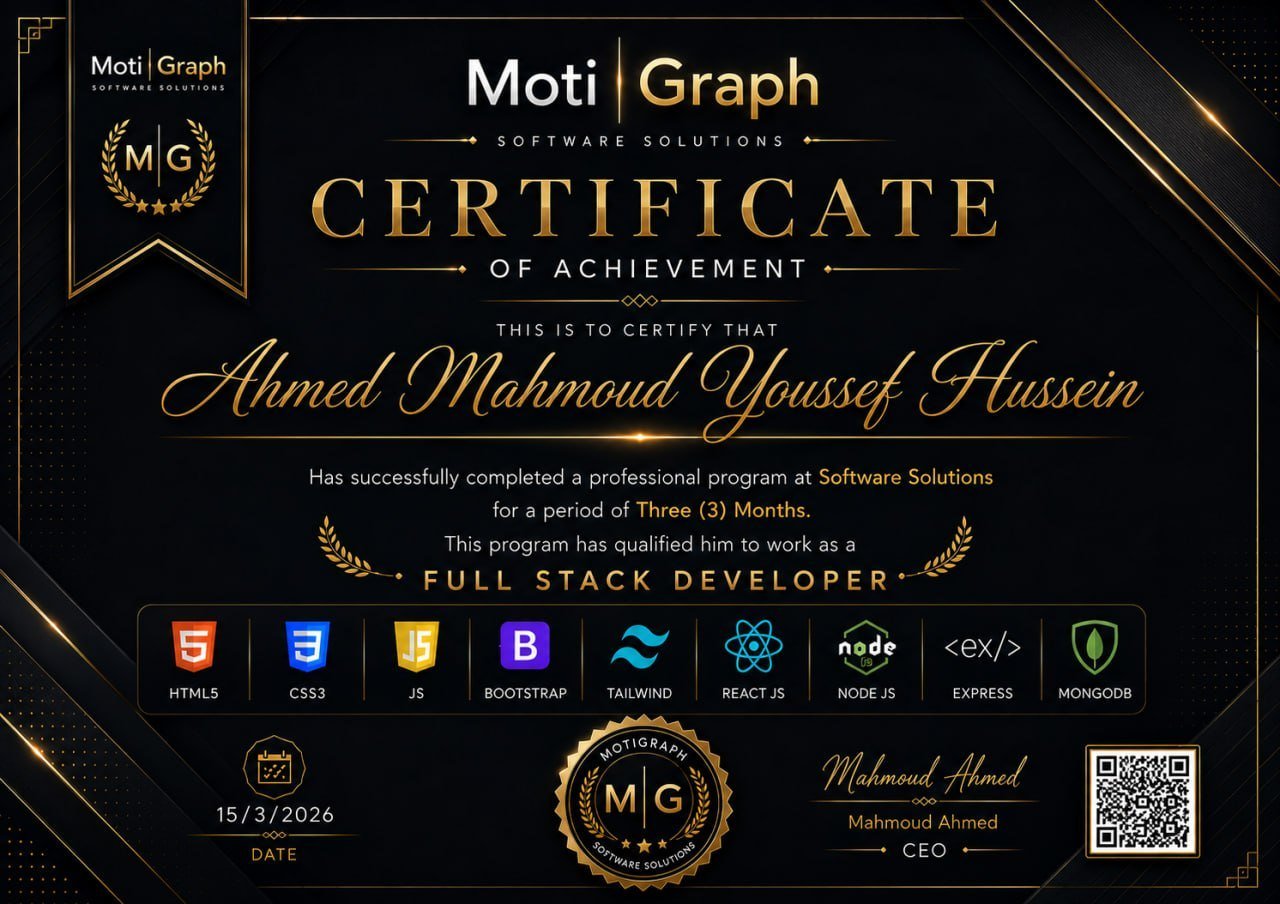
Finish your course and receive an accredited MotiGraph certificate you can add to your CV and share with employers.
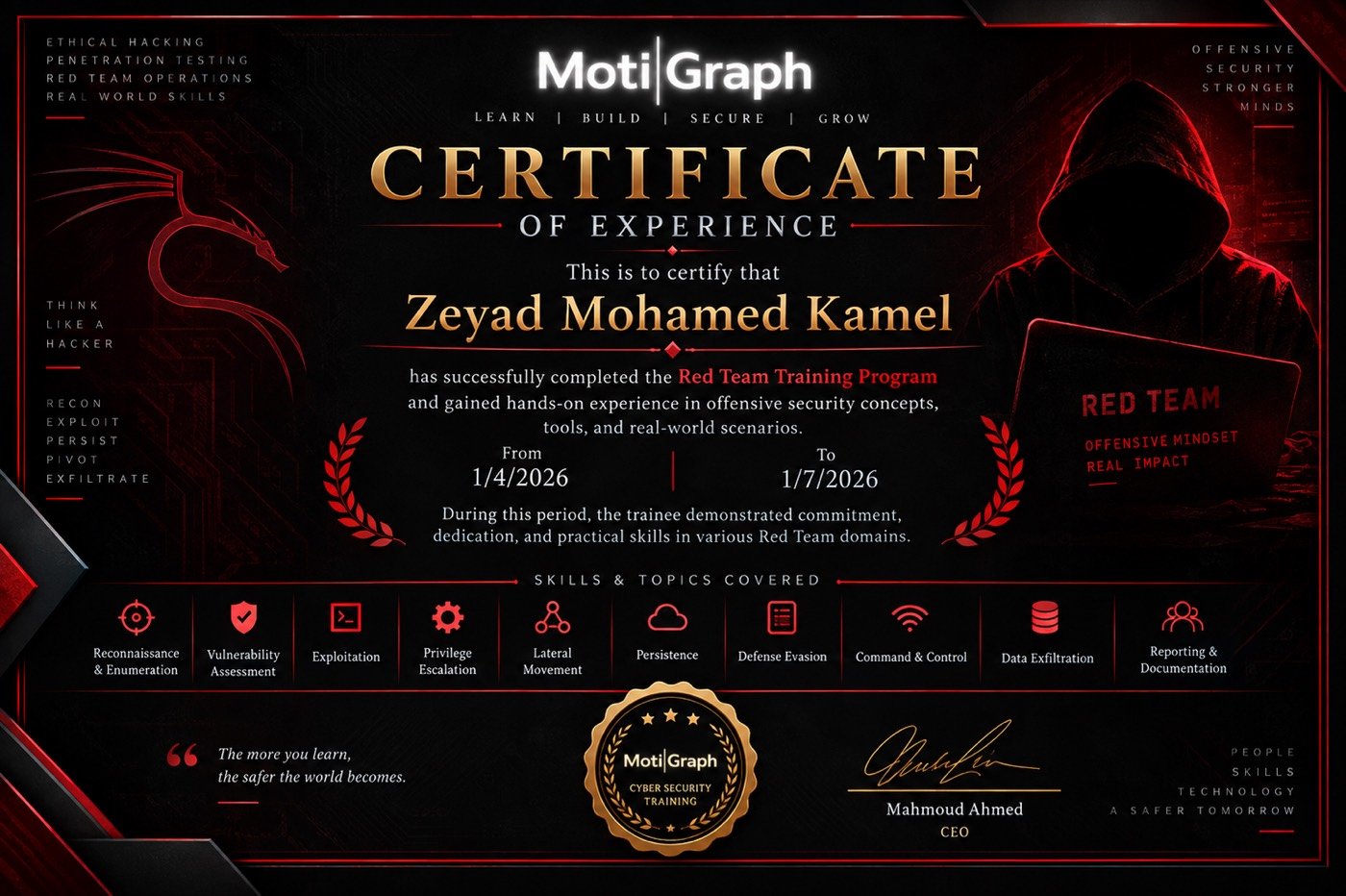
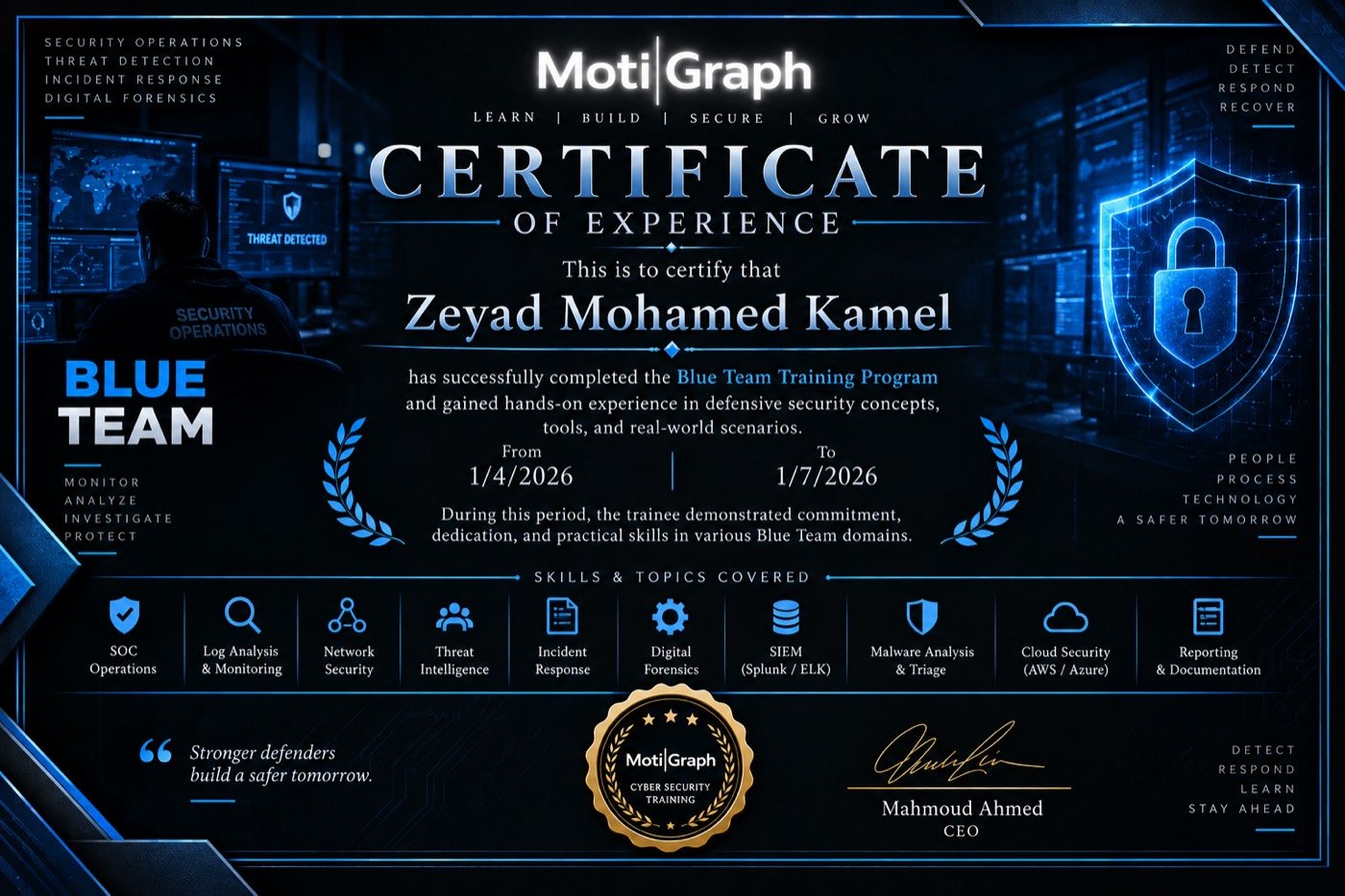
MotiGraph certificate sample